The Ultimate 2025 Guide to Saving Instagram Videos and Reels to Your Phone
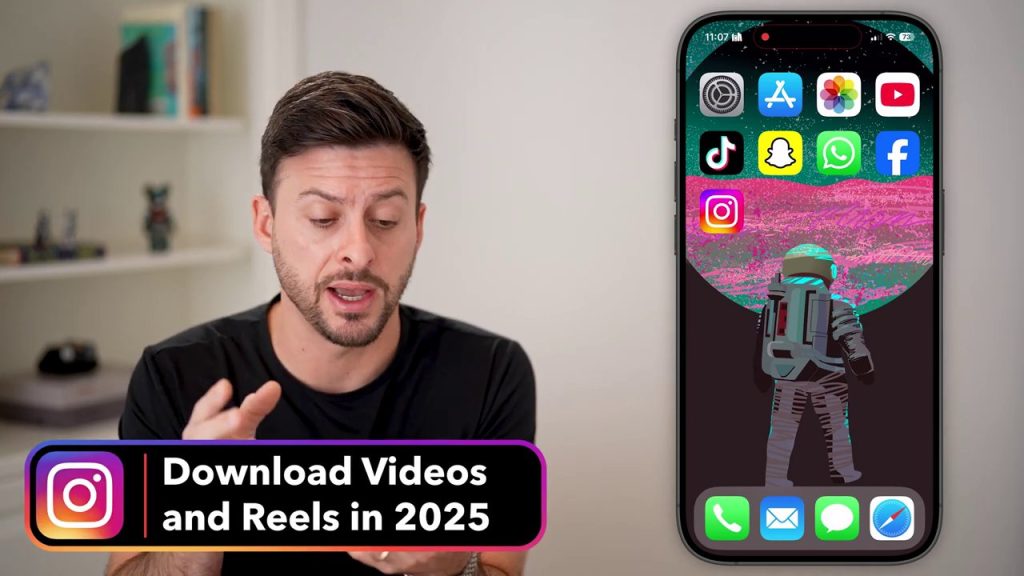
Have you ever scrolled through Instagram, stumbled upon a perfect Reel or a hilarious video, and wished you could save it directly to your device? Whether it’s a memorable clip, a useful tutorial, or a piece of content you want to share outside the app, downloading from Instagram is a common desire. This guide will walk you through the surprisingly simple, built-in method to download Instagram videos and Reels in 2025, while also covering the crucial copyright considerations you need to keep in mind.
The Built-In Instagram Download Feature
Gone are the days of needing third-party apps or complicated workarounds for most Instagram downloads. The platform has integrated a native download function directly within the app, making the process seamless for users. This feature is designed to let you save content you enjoy directly to your phone’s gallery or camera roll for offline viewing or easier sharing via other platforms like text message.
It’s important to understand that this feature is available for publicly posted content from other users, as well as your own posts and Reels. The process is virtually identical whether you’re saving a video from your feed, the Explore page, or a creator’s profile. The key is locating the correct share icon, which initiates the download sequence.
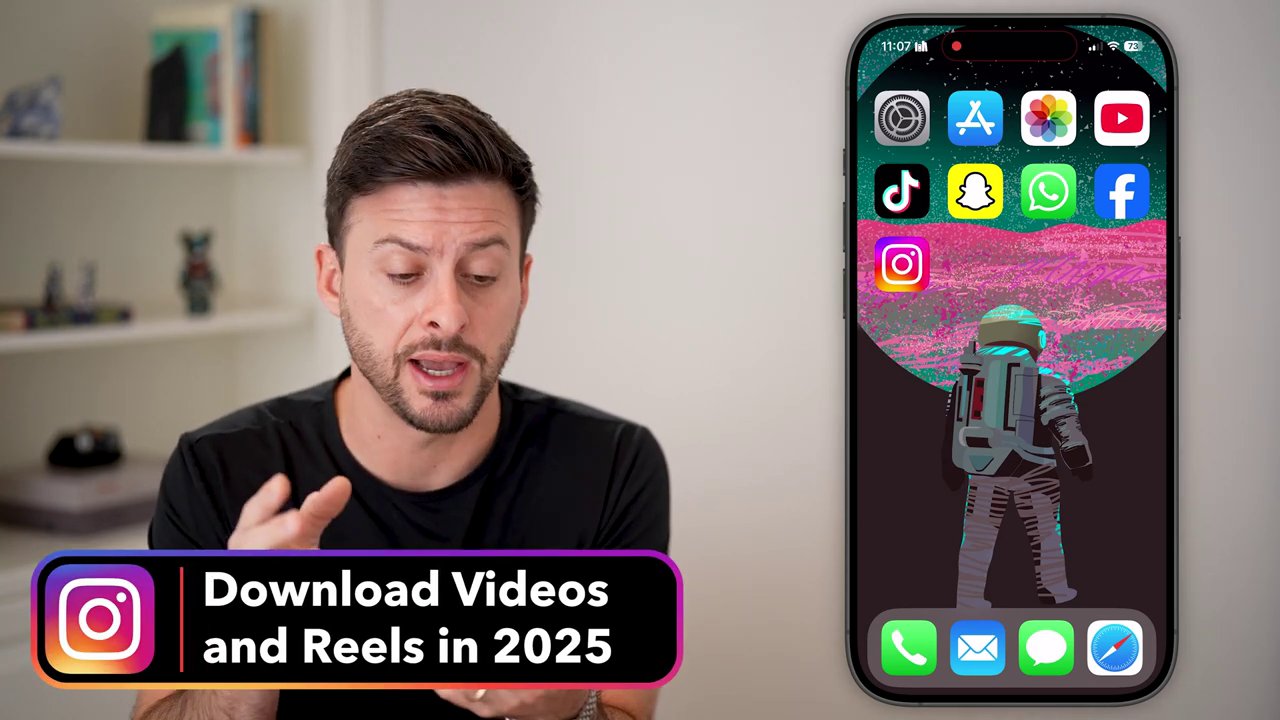
Step-by-Step: How to Download Any Instagram Video or Reel
The process is straightforward and can be completed in just a few taps. Follow these numbered steps to save any video you come across.
- Locate the Video: Open the Instagram app and navigate to the video or Reel you wish to download. This could be in your main feed, by tapping the Reels icon at the bottom, or by visiting a specific profile.
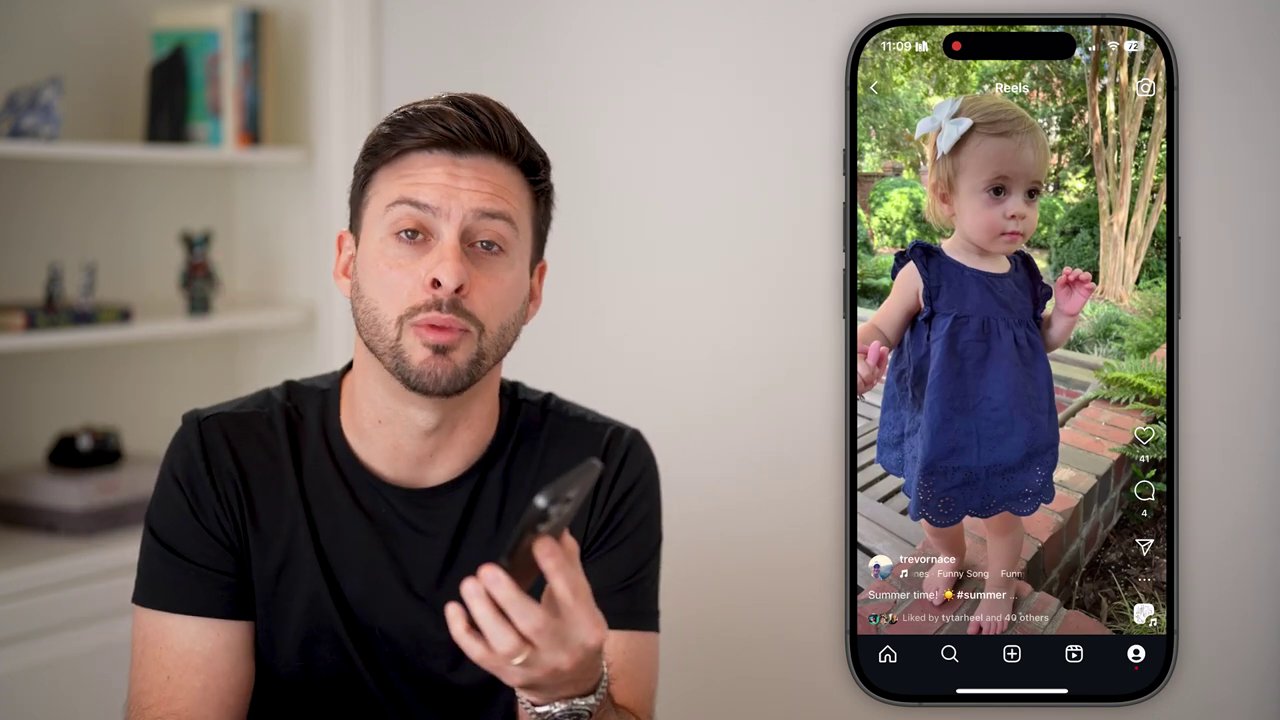
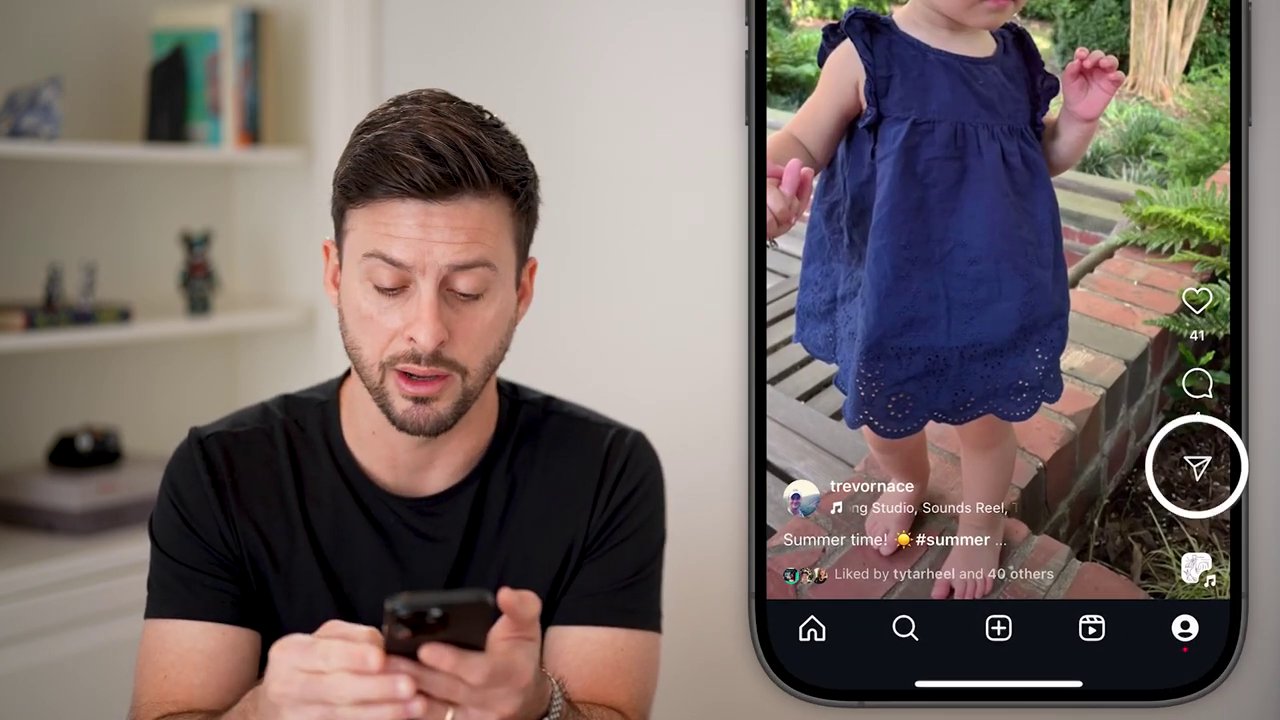
- Tap the Share Icon: On the video player, look for the paper airplane icon, typically located on the right-hand side of the screen, near the comment and like buttons. This is the universal “share” button on Instagram.
- Swipe to Find ‘Download’: Tapping the share icon opens a horizontal menu of sharing options. You’ll need to swipe this menu to the left to reveal more options. Keep swiping until you see the “Download” button. It may be nestled among other options like “Remix,” “Save,” or “QR code.”
- Initiate the Download: Once you see it, simply tap the “Download” button. A confirmation message, such as “Downloading…” will briefly appear.
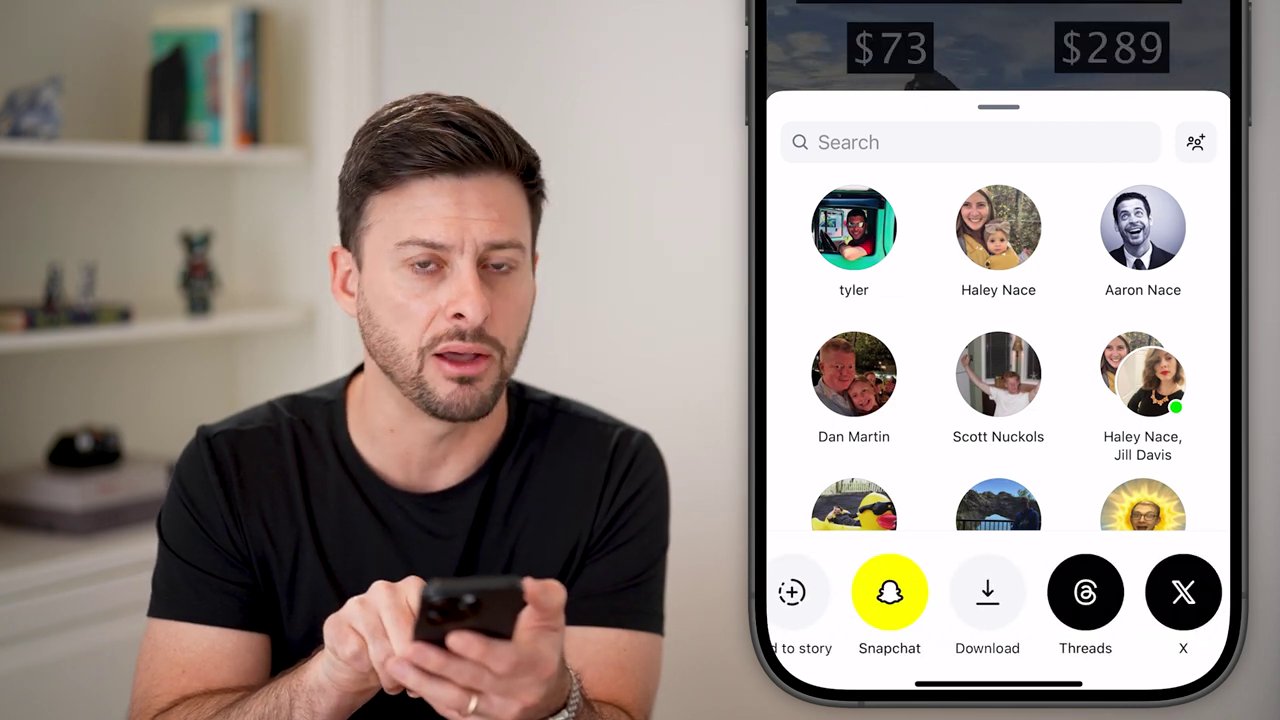
- Access Your Saved Video: After the download is complete, exit Instagram and open your device’s native photo gallery or camera roll app. The video will be saved there, usually in a dedicated “Instagram” folder or within your general “Videos” album, ready for you to view, edit, or share.
The same exact method works for downloading your own content. Simply go to your profile, tap on one of your own Reels or video posts, and follow steps 2 through 5. This is a fantastic way to keep a local backup of your creative work.
A Critical Note on Copyright and Permissions
This is the most important section of this guide. Just because you can download a video does not mean you have the right to use it freely. When you download a video from another user’s Instagram account, you are saving a copy to your device, but you do not acquire any ownership or copyright over that content.
The original creator retains all rights. Therefore, you must be mindful of how you use the downloaded material:
– Personal Use: Saving a video to watch offline later for your own enjoyment is generally the intended use of the download feature.
– Sharing and Reposting: If you plan to text the video to a friend, share it on another social media platform, edit it, or use it in any public or commercial way, you likely need explicit permission from the copyright holder (the original poster).
– Avoiding Infringement: Unauthorized redistribution, remixing, or claiming someone else’s video as your own can lead to copyright infringement claims, content removal, and in some cases, legal action.
Always check the creator’s profile for any specific usage guidelines they may have posted. If in doubt, it’s best to reach out and ask for permission. Respecting creators’ intellectual property is not only a legal necessity but also supports the creative community.
Conclusion and Best Practices
Downloading videos and Reels from Instagram in 2025 is a simple, built-in process that requires just a few taps: find the video, hit the share (airplane) icon, swipe to the download button, and save. The video will promptly appear in your device’s gallery for offline access.
However, the ease of this technical process should not overshadow the ethical and legal responsibilities that come with it. Always remember that downloading a video is not equivalent to owning it. Use downloaded content respectfully, primarily for personal viewing, and always seek the necessary permissions for any form of republication or commercial use. By following both the how-to steps and these important guidelines, you can enjoy your favorite Instagram content responsibly and without hassle.