Your Legal Guide to Downloading Videos Directly from YouTube
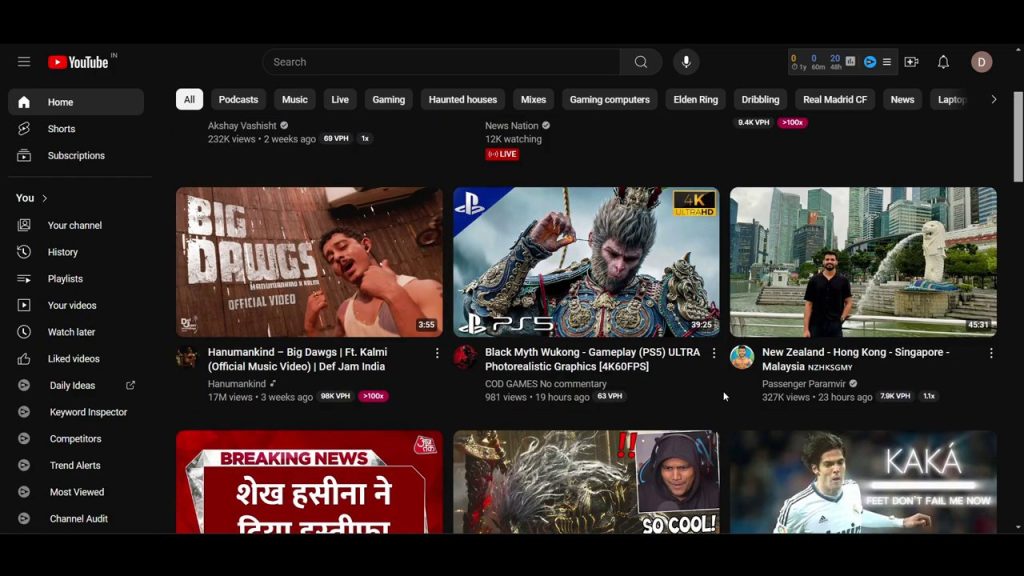
Have you ever wanted to save a YouTube video for offline viewing but felt unsure about the legalities or the process? Many users don’t realize that YouTube itself provides a built-in, legitimate way to download videos directly to your device. This guide will walk you through the simple, official method for downloading content, clarifying where it’s free and where a subscription might come into play for higher quality. We’ll cover everything from finding the download button to locating your saved files, ensuring you can enjoy your favorite videos anytime, anywhere.
Understanding YouTube’s Official Download Feature
Contrary to popular belief, you don’t always need third-party software or websites to download videos from YouTube. The platform offers a native download option for many videos, providing a completely legal and secure way to save content for offline access. This feature is primarily designed for mobile viewing through the YouTube app, allowing you to watch videos without an internet connection—perfect for commuting, traveling, or areas with spotty service.
It’s important to note that this official method respects content creators’ rights and YouTube’s terms of service. The downloaded videos are typically encoded within the YouTube app and may have certain restrictions, such as an expiration date (often 48 hours) after you go offline or if the video is removed by the uploader. This system ensures that creators maintain control over their content while providing convenience to viewers.
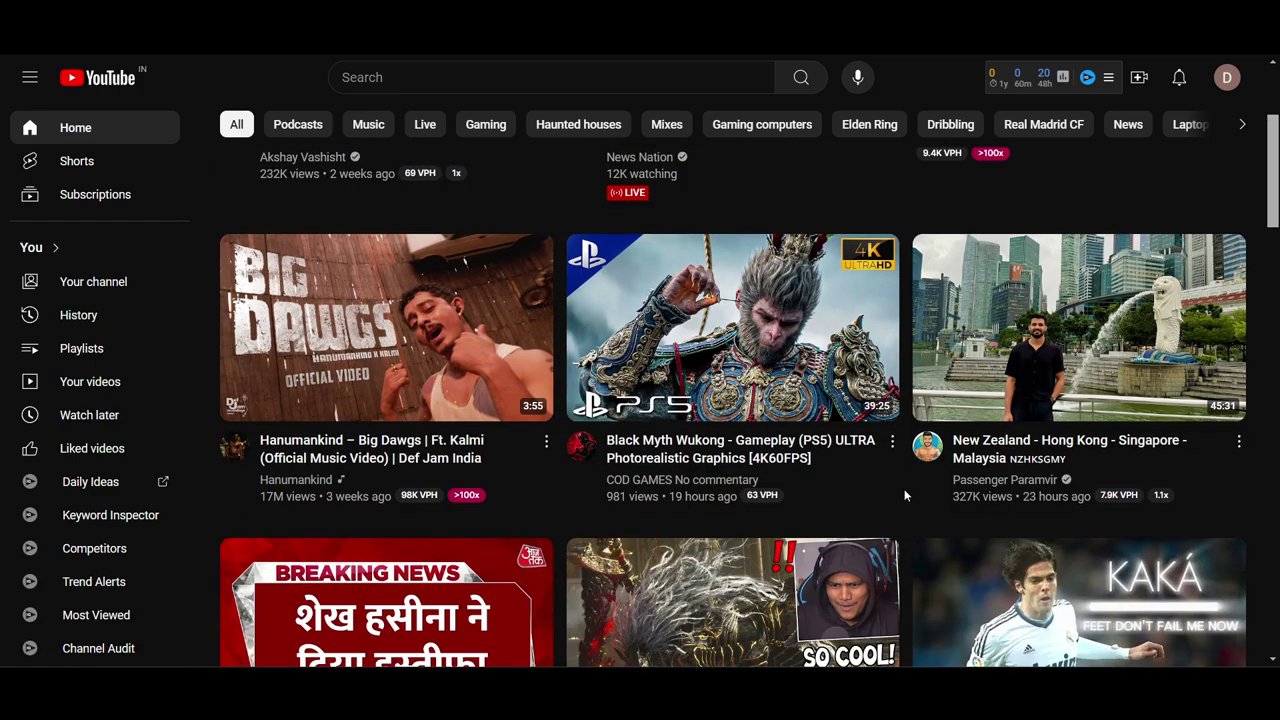
Step-by-Step: How to Download a Video
The process is straightforward and integrated directly into YouTube’s interface. Here is a detailed, step-by-step breakdown of how to use the official download function.
- Open Your Chosen Video: Navigate to YouTube and find the video you wish to download. This could be a short clip, a tutorial, music video, or any other content available on the platform.
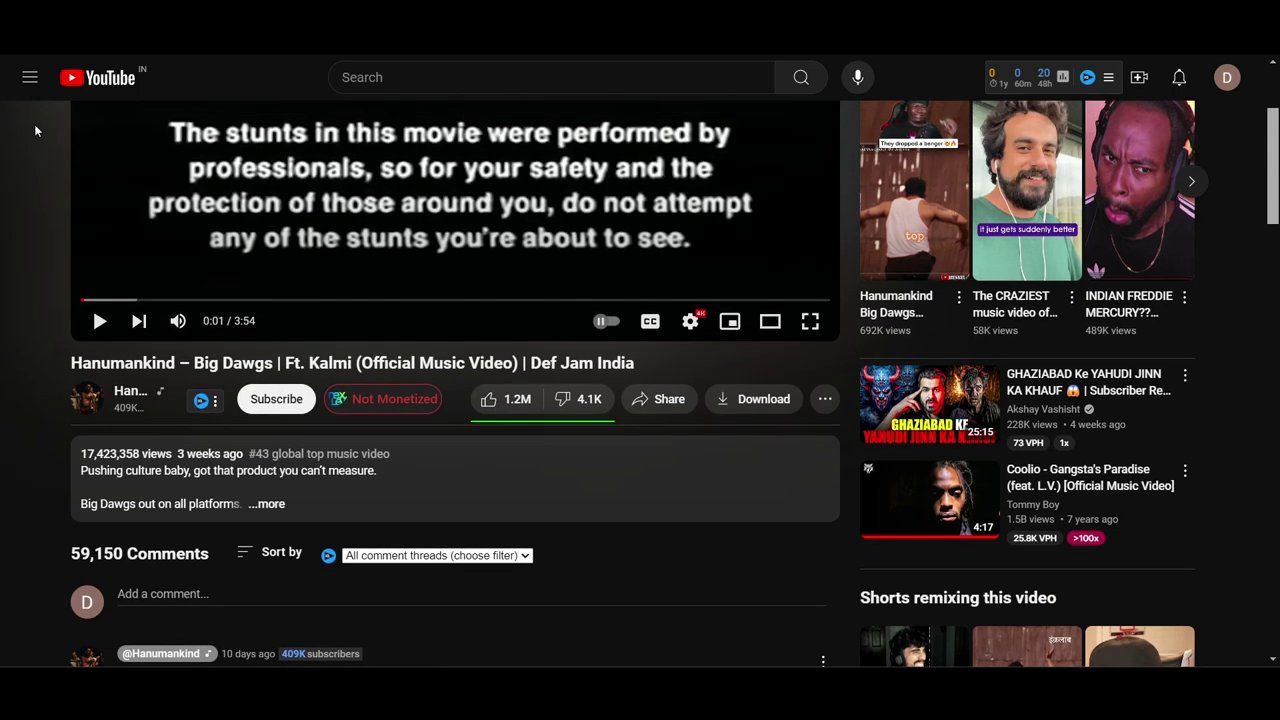
- Locate the Download Button: Below the video player, you should see a “Download” button alongside other options like “Save” and “Share.” This is the most direct route.
- Alternative Method via the Menu: If the Download button is not immediately visible, click on the three vertical dots (the “More” menu) located below the video, next to the “Save” button. Within this menu, you will find the “Download” option. YouTube itself provides this official option, eliminating the need for external tools.
Once you click “Download,” YouTube will present you with quality options. For shorter videos or standard definition, this service is often free. However, for higher-quality downloads like 1080p or 4K, YouTube may prompt you to try or subscribe to YouTube Premium. This subscription not only unlocks higher download quality but also removes ads and enables background play.
- Select Quality and Confirm: Choose your desired video quality from the list provided. If you select a premium quality without a subscription, you’ll be guided through the YouTube Premium trial process. You can also select “Not now” to proceed with a standard quality download.
- Completion: After confirming your choice, the download will begin automatically. A progress indicator will usually show, and the video will be saved directly within the YouTube app’s library.
Finding and Managing Your Downloaded Videos
After your video has finished downloading, you might wonder where it went. The videos are not saved to your device’s general gallery or video folder in a standard format; they are stored within the YouTube app’s dedicated offline section.
To find your downloads:
– Open the YouTube app and tap on your profile icon or account picture.
– Look for a section labeled “Downloads” or “Offline videos.” This is often found in the “You” or “Library” tab.
– Alternatively, you can sometimes access them by clicking the three-dot menu on the video itself after it’s downloaded, where an option like “Go to Downloads” may appear.
This centralized library makes it easy to manage all your offline content in one place. Remember, these downloads are for personal, offline viewing within the YouTube app. They are not meant to be transferred, edited, or uploaded elsewhere, which aligns with the platform’s legal framework for this feature. For creators looking to repurpose content, understanding these boundaries is key, much like navigating the rules for creating high-view TikTok clips from various sources.
Free vs. Premium: What You Need to Know
A key point covered in the tutorial is the distinction between free and subscription-based downloading. This is a crucial detail for users to understand.
- Free Download Tier: YouTube allows you to download many videos at standard or lower resolutions without any cost. This is perfect for saving tutorials, lectures, or entertainment for later viewing when you know you’ll be offline. The video quality is sufficient for viewing on a smartphone or tablet.
- YouTube Premium Benefits: To download videos in high definition (HD) or 4K, a YouTube Premium subscription is required. Clicking “Try it free” will initiate a trial period for the service. Premium enhances the download feature significantly and comes with other perks like an ad-free experience, background play, and access to YouTube Music. If your goal is to archive high-fidelity content for inspiration or review—similar to how a video editor might use reference material from a guide on applying professional filters and effects—this subscription can be valuable.
Why Use the Official Method?
Choosing YouTube’s built-in download tool over unauthorized third-party sites or software has several important advantages:
- Safety and Security: You avoid the risk of malware, intrusive ads, and phishing scams commonly found on free download sites.
- Legal Compliance: You are operating within YouTube’s Terms of Service, respecting copyright and content ownership.
- Ease of Use: The process is seamless, fast, and integrated into an app you already use.
- Reliability: Downloads are consistent, and the quality is as promised. You won’t encounter broken links or corrupted files from unreliable converters.
For content creators and savvy users, this official method is a reliable tool in a broader digital toolkit. It complements other skills, such as knowing how to effectively repurpose trending content across platforms, by allowing for legal offline review and analysis.
Conclusion
Downloading videos from YouTube doesn’t have to involve legal gray areas or security risks. As we’ve demonstrated, the platform offers a straightforward, official method right within its interface. By simply clicking the download button or accessing it via the three-dot menu, you can save videos for offline viewing. Remember, standard quality downloads are often free, while HD and 4K resolutions require a YouTube Premium subscription. Always locate your downloaded content in the YouTube app’s dedicated “Downloads” section. Embracing this built-in feature is the safest, most reliable way to enjoy your favorite YouTube videos anytime, ensuring a smooth and secure viewing experience on your own terms.