The Ultimate Guide to Downloading YouTube Videos Legally and Safely
Have you ever been on a plane, stuck without Wi-Fi, and wished you could watch a YouTube video? Or perhaps you’ve been low on mobile data and needed to save a video for offline viewing. Downloading videos from YouTube is a common need, but navigating the legal and technical aspects can be confusing. This comprehensive guide will walk you through the exact steps to download videos from your own channel and explain the only legal way to download content from other creators, ensuring you stay on the right side of YouTube’s Terms of Service.
How to Download Your Own YouTube Videos
As a content creator, you have full rights to the videos you upload. YouTube provides a straightforward, built-in method to download your original content to your computer, laptop, or a USB drive. This is perfect for creating backups, editing projects, or simply having a local copy. Here’s the step-by-step process.
-
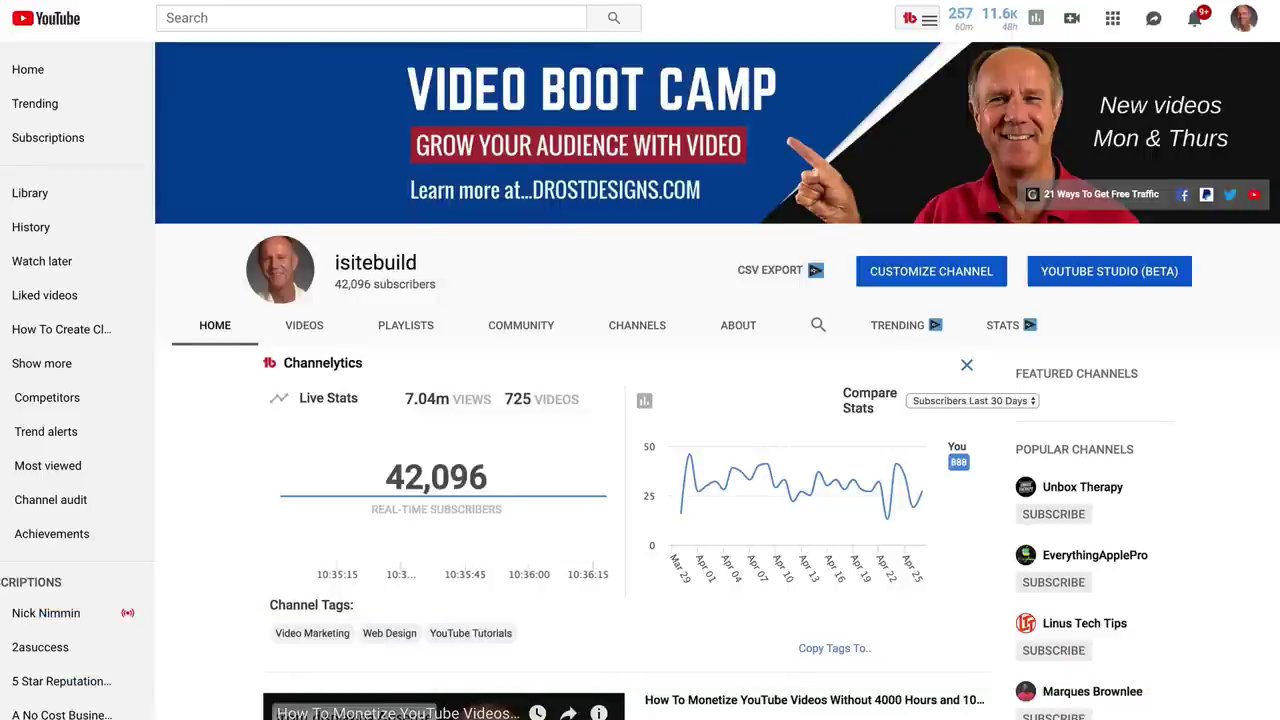
Log into YouTube and Access YouTube Studio: Start by navigating to YouTube.com and clicking on your profile icon in the top-right corner. From the dropdown menu, select YouTube Studio.
-
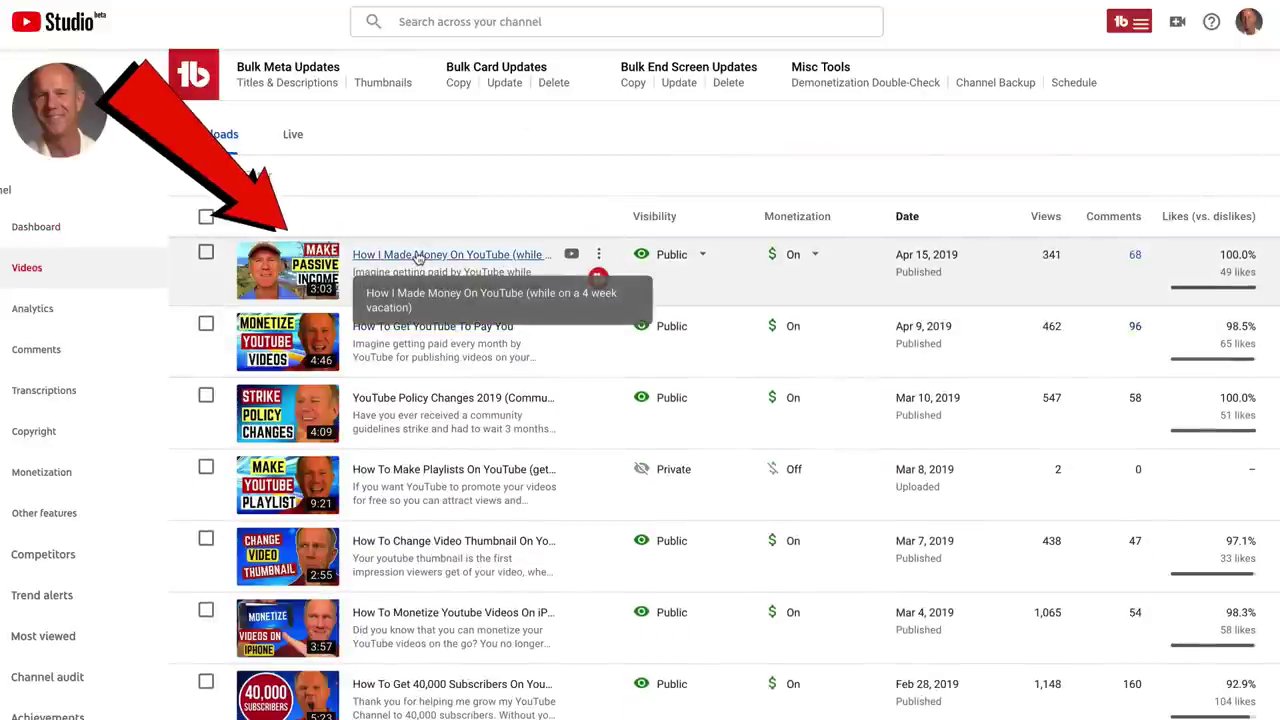
Navigate to Your Video Library: In the left-hand menu of YouTube Studio, click on the “Content” tab (which may be labeled “Videos”). This will display a list of all the videos on your channel.
-
Select the Video to Download: Browse your list and click on the title of the video you wish to download. For demonstration purposes, let’s say you select a video titled “How I Made Money on YouTube While on a Four-Week Vacation.”
-
Initiate the Download: On the video’s details page, look for the three vertical dots next to the video’s title or thumbnail, often labeled “Options” or “More actions.” Click on these dots, and from the menu that appears, select “Download.”
-
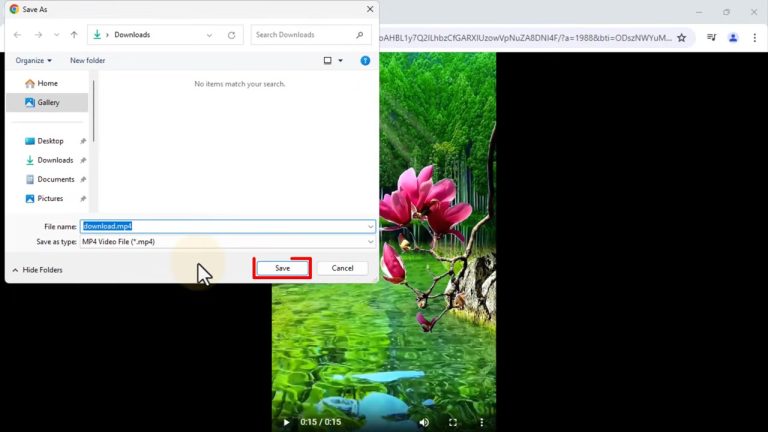
Choose Save Location: Your browser will prompt you to choose where to save the video file (e.g., your desktop, documents folder, or a connected USB drive). Select your desired location and click “Save.” The video file will then download to your chosen device.
This process is simple and effective for managing your own content library offline. For creators looking to further enhance their videos, techniques like applying professional filters and effects can be learned through dedicated editing guides, which can be applied to your downloaded originals before re-uploading.
Understanding YouTube’s Rules for Downloading Other Content
Before attempting to download any video you did not create, it is crucial to understand YouTube’s official policy. The platform’s Terms of Service are very clear on this matter to protect creators’ copyrights.
According to Section 5B, “Your Use of the Content,” YouTube states that content is provided “as is” for your personal, informational use. The terms explicitly say: “You shall not download any content unless you see a download or similar link displayed by YouTube on the service for that content.”
Furthermore, you are prohibited from copying, reproducing, distributing, transmitting, broadcasting, displaying, selling, licensing, or otherwise exploiting any content for other purposes without prior written consent from YouTube or the respective licensor.
In short, downloading videos from other people’s channels using third-party software or websites is a violation of YouTube’s Terms of Service and could result in penalties for your account. It also infringes on the rights of the creator. The only way to legally download another creator’s video for offline access is through YouTube’s own authorized service.
The Legal Solution: YouTube Premium
YouTube provides a legal, subscription-based service designed specifically for downloading videos for offline viewing: YouTube Premium.
YouTube Premium is YouTube’s official paid membership that grants you several benefits, including the legal right to download videos from any channel to your desktop, laptop, USB drive, or mobile device. You can start with a one-month free trial, after which it costs a monthly fee.
Key Benefits of a YouTube Premium Subscription
The value of YouTube Premium extends far beyond just downloading videos. Here’s what the subscription includes:
- Ad-Free YouTube: Watch all videos across the platform without any interruptions from advertisements, whether you’re signed in on a mobile device, desktop, or smart TV.
- Offline Downloads: This is the core feature for our purpose. You can save videos directly to your device when you have a connection, allowing you to watch them later when you’re low on data, on a flight, or simply can’t get online.
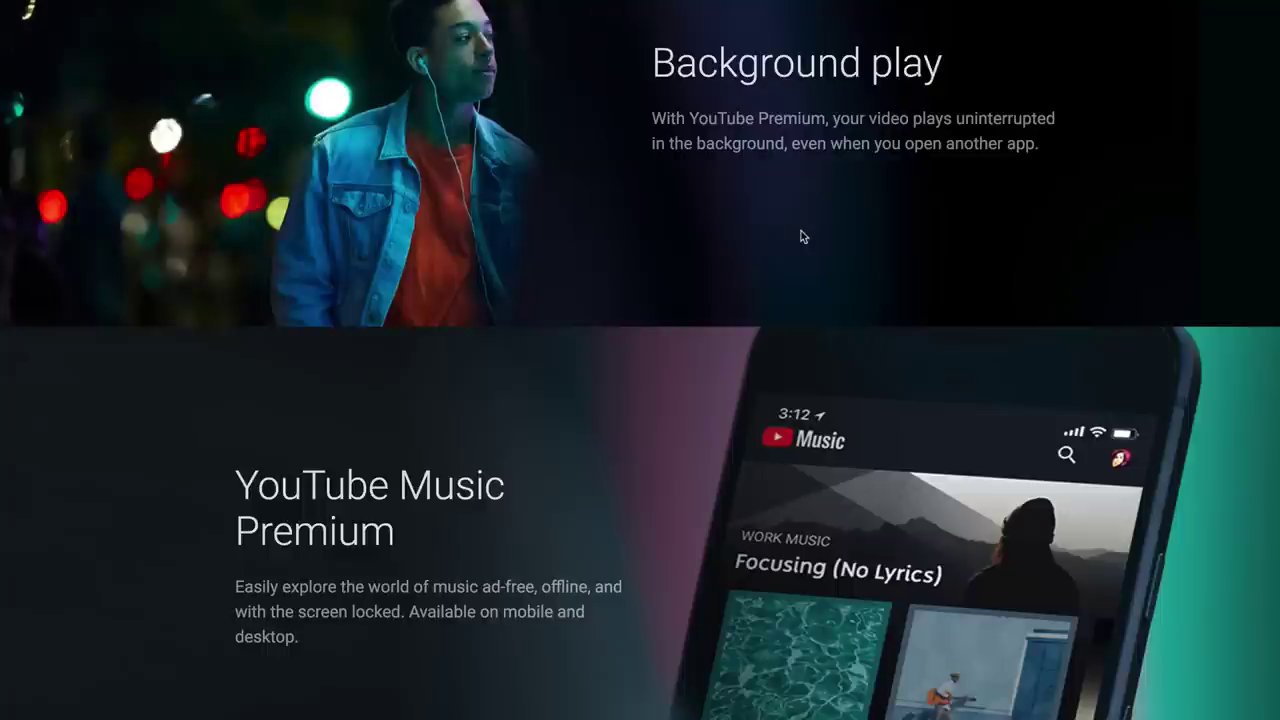
- Background Play: Keep videos or music playing uninterrupted in the background even when you switch to another app or lock your phone’s screen.
- YouTube Music Premium: A full music streaming service included at no extra cost, offering ad-free listening, offline downloads, and playback with a locked screen.
- YouTube Originals: Access to exclusive series and movies produced by YouTube.
- Additional Included Services: Your subscription also extends to ad-free, offline, and background play in the YouTube Kids and YouTube Gaming apps.
This service respects creators, as they are compensated through the Premium subscription revenue share. It’s the ethical and safe choice for viewers who want offline access to a wide variety of content.
Practical Uses for Downloaded YouTube Videos
Understanding how to download videos legally opens up a world of practical applications, especially for content creators and avid learners.
- For Content Creators: Downloading your own videos is essential for creating backups of your work. It also allows you to repurpose content for other platforms. A long-form YouTube tutorial can be edited into shorter clips for TikTok or Instagram Reels. If you’re interested in leveraging trends, understanding how to monetize by repurposing trending content across platforms can be a powerful strategy.
- For Personal & Educational Use: With YouTube Premium, you can legally download lectures, tutorials, documentaries, or music playlists for offline consumption. This is invaluable for students, professionals, or travelers who may not always have reliable internet access but want to continue learning or being entertained.
- For Content Analysis: Creators often download their own videos to analyze them using different software, track performance metrics offline, or get inspiration by legally watching downloaded videos from peers in their niche—all within the bounds of fair use and personal study.
Conclusion and Key Takeaways
Downloading YouTube videos doesn’t have to be a legal gray area. The process is clearly defined by YouTube itself. For your own content, use the built-in download feature in YouTube Studio—it’s quick, easy, and fully within your rights. For videos from other creators, the only safe and legal method is to subscribe to YouTube Premium. This service not only grants you download privileges but also enhances your overall viewing experience with ad-free playback, background listening, and access to YouTube Music.
Remember, respecting copyright is paramount in the digital content ecosystem. By using the official tools provided, you support the creators you enjoy and protect your own YouTube account from potential violations. Now that you know how to securely download videos for offline access, you can enjoy your favorite YouTube content anytime, anywhere.