Your Complete Guide to Downloading YouTube Videos: Official & Premium Methods
Ever wanted to save your favorite YouTube videos directly to your computer or phone? Whether you’re a creator looking to archive your own content or a viewer wanting offline access, downloading videos from YouTube is a common need. This guide will walk you through the official, legitimate methods available, from using YouTube Studio to leveraging a YouTube Premium subscription. We’ll break down each step clearly, so you can choose the best option for your situation.
The Official Method: Downloading Your Own Content via YouTube Studio
For content creators, YouTube provides a straightforward, built-in method to download your own videos. This is the most secure and recommended approach, as it uses YouTube’s official tools and respects copyright and platform terms of service. The process is integrated directly into YouTube Studio, the backend dashboard for channel management.
The first step is to navigate to YouTube Studio. You can access this by clicking on your profile picture in the top right corner of any YouTube page and selecting YouTube Studio from the dropdown menu. This will take you to your channel’s dashboard.
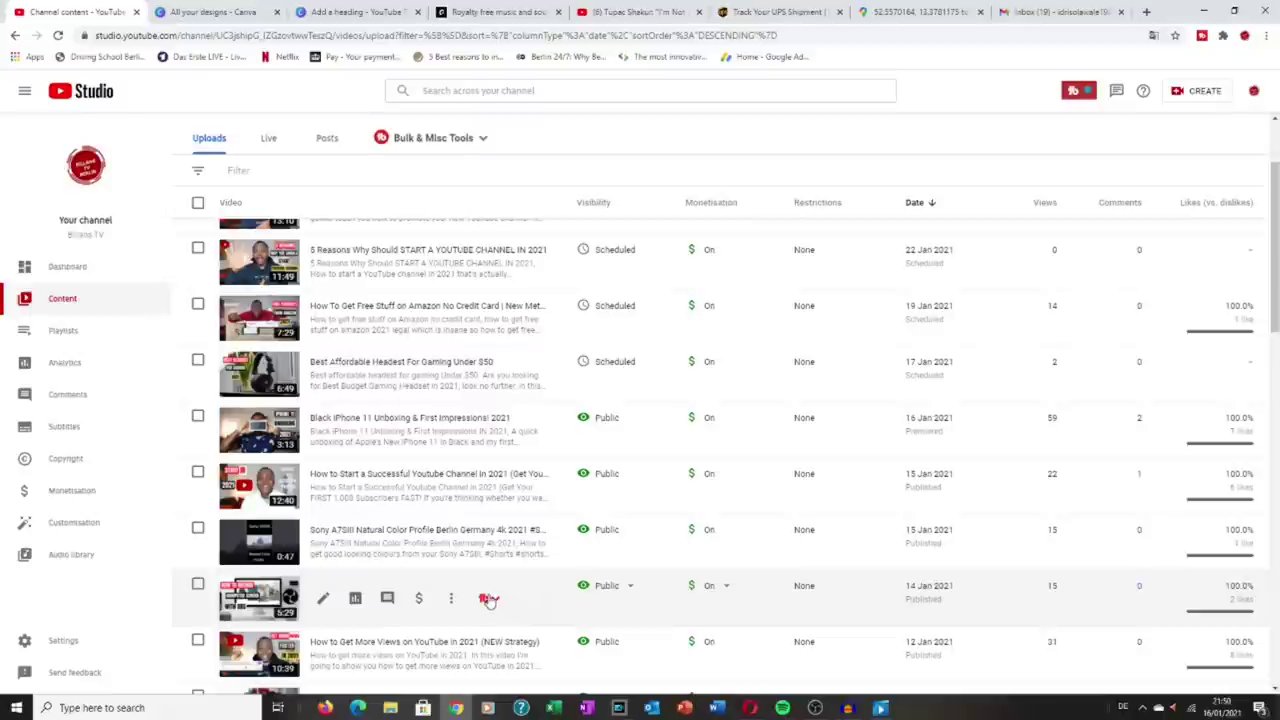
Once inside YouTube Studio, you’ll see a navigation menu on the left-hand side. Look for the Content section. Clicking on this will present you with a list of all the videos you have uploaded to your channel. This library view is where you manage your video catalog.
- From your video list, find the specific video you wish to download.
- Hover your cursor over the video’s thumbnail and title. You will see an options menu appear (often represented by three vertical dots or a “More options” label).
- Click on this options menu to reveal a list of actions.
- Among the options like “View on YouTube” and “Get shareable link,” you should see a Download option. Click it.
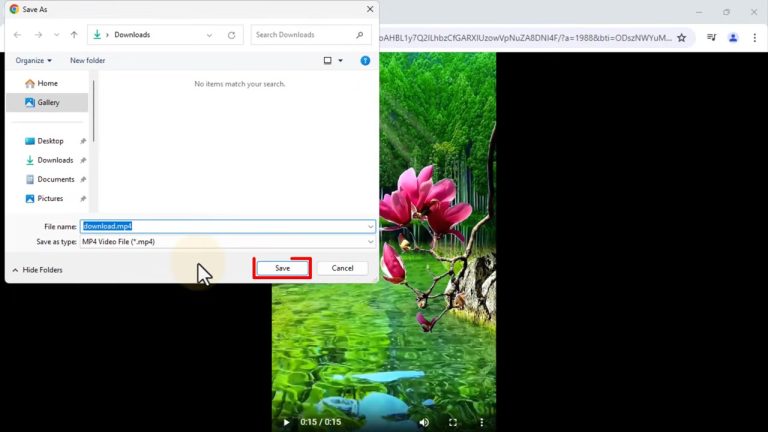
The video file will immediately begin downloading to your computer’s default download folder. The file will be in its original uploaded quality, allowing you to use it for archival purposes, editing into new content, or safe offline storage. This method is incredibly efficient for creators who need quick access to their own work. For those looking to edit these downloaded clips further, understanding basic editing principles is key. You can learn more about this in our guide on Mastering Video Editing: A Step-by-Step Guide to Applying Filters and Effects for Professional Results.
The Premium Experience: Offline Viewing with YouTube Premium
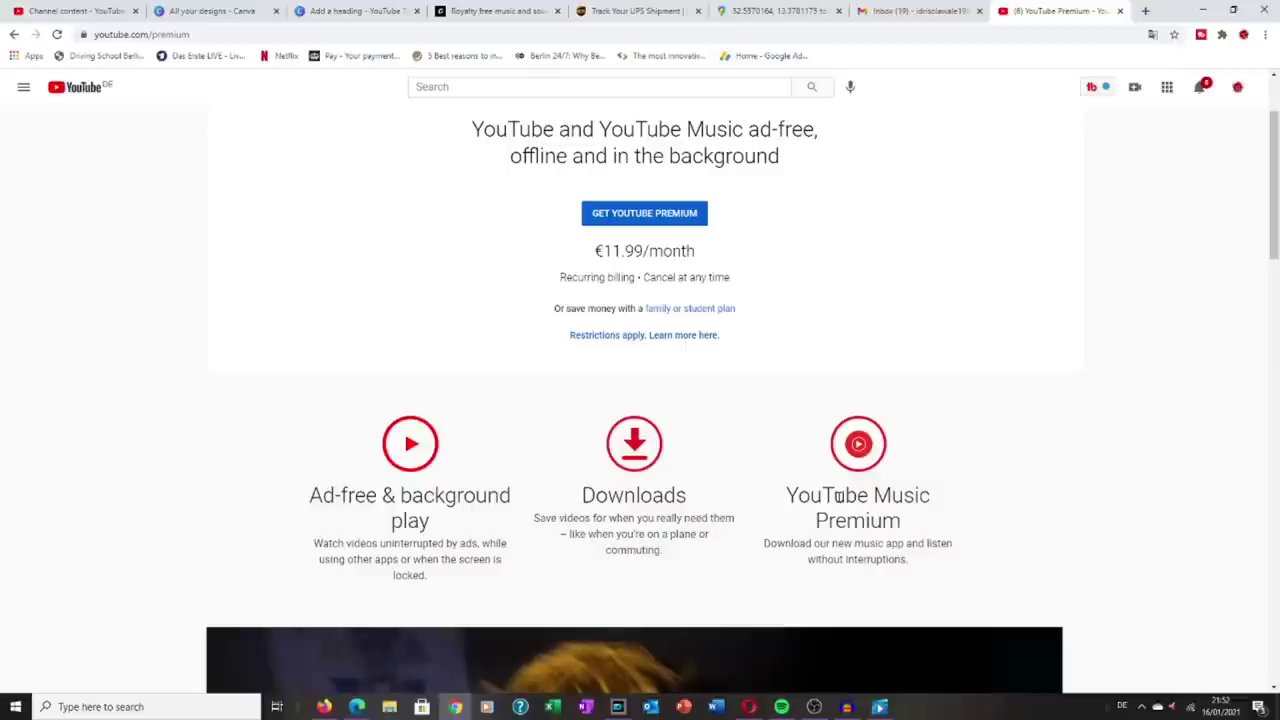
For viewers who want to download videos from other creators for offline enjoyment, the official and legal method is through a YouTube Premium subscription. This paid service from YouTube offers a suite of benefits, with offline downloads being a primary feature. It’s designed for convenience and supports the creators you watch through revenue sharing.
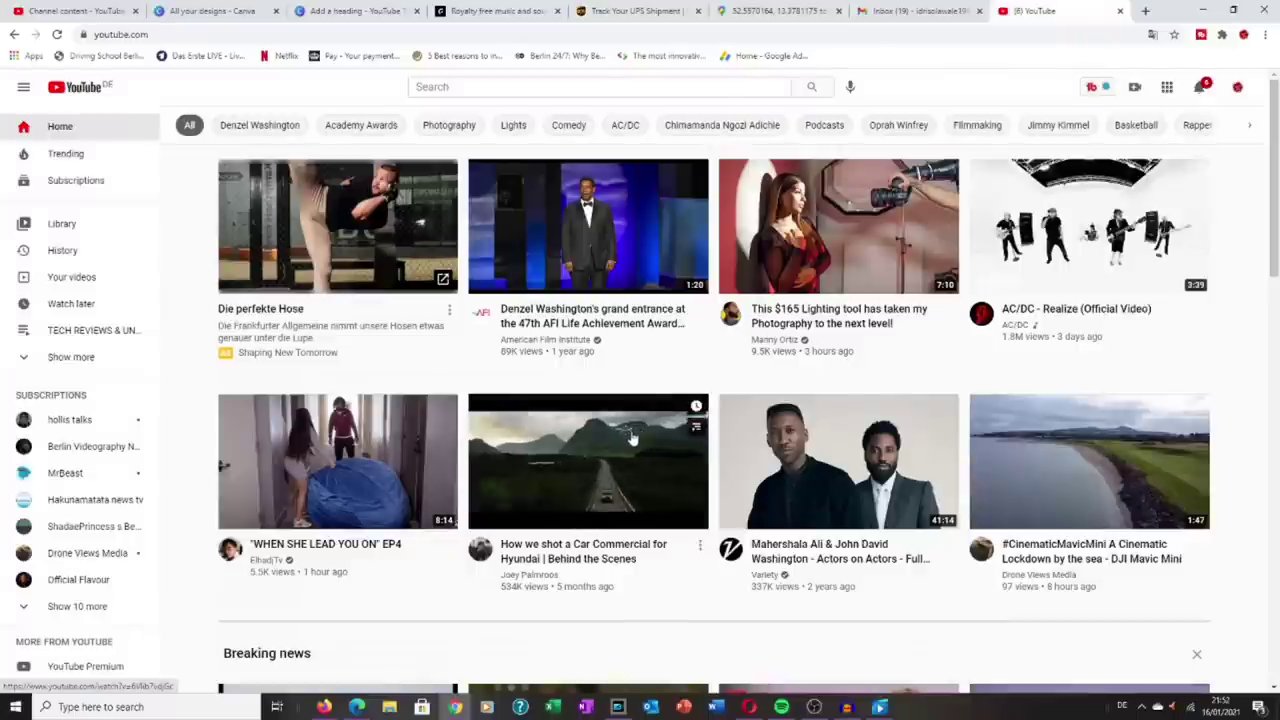
A YouTube Premium account transforms your viewing experience. Once subscribed, you’ll notice new icons and options across the YouTube website and mobile app. The most relevant for downloading is the download button, which appears below videos on the mobile app and on the video player interface.
The process to download a video with YouTube Premium is simple:
1. Find the video you want to save for offline viewing on the YouTube app (this feature is primarily designed for mobile devices).
2. Below the video player or on the video thumbnail, tap the Download button (usually an arrow pointing downward).
3. You may be prompted to select a video quality (e.g., Standard or Higher).
4. The video will download and be accessible in a dedicated “Downloads” section within your YouTube app library.
The key advantages of this method are its seamlessness and integration. Downloaded videos are available for a set period (usually 30 days) as long as you open the app while connected to the internet at least once. This is perfect for commuting, traveling, or any situation where you anticipate a lack of reliable internet. It’s a holistic approach to media consumption, similar to how other platforms offer offline modes. Exploring different content strategies across platforms can also be beneficial, as discussed in our analysis of The TikTok Effect: Choosing the Right Short-Form Platform for Your Content Goals.
Why Choose Official Methods?
You might wonder why we are focusing solely on YouTube’s official tools. The reasons are crucial for a safe and sustainable digital experience:
- Safety and Security: Third-party download sites and software often come with risks, including malware, intrusive ads, and potential data theft. Official methods eliminate these dangers.
- Copyright Compliance: Downloading content you do not own without permission may violate copyright law and YouTube’s Terms of Service. Downloading your own videos or using Premium’s offline feature are fully compliant.
- Reliability and Quality: Official downloads guarantee you get a high-quality, complete file without errors, watermarks, or broken links that are common with unofficial tools.
- Supporting Creators: Using YouTube Premium ensures that creators are compensated for your view, even when you watch offline. This helps sustain the ecosystem that produces the content you enjoy.
Key Considerations Before You Download
Before you start downloading, keep these important points in mind:
- For Creators (YouTube Studio): The download feature is only available for videos you have uploaded to your own channel. You cannot download other creators’ content this way.
- For Viewers (YouTube Premium): Downloaded videos are for personal, offline viewing within the YouTube app. They are not meant to be transferred, edited, or redistributed. The files are often encrypted and tied to your account.
- Offline Expiry: Videos downloaded via YouTube Premium have an expiration period and require periodic internet connection to renew the license.
- Device Specificity: Premium downloads are typically managed per device. A video downloaded on your phone won’t automatically appear on your tablet.
Conclusion and Final Takeaways
Downloading YouTube videos doesn’t have to be a complicated or risky endeavor. By sticking to YouTube’s official pathways, you ensure a safe, high-quality, and ethical experience. For creators, YouTube Studio offers a direct line to your original video files for backup and repurposing. For viewers, a YouTube Premium subscription provides a legal and convenient way to build a personal offline library, perfect for travel or data-saving.
The core takeaway is to always prioritize methods that respect content ownership and platform rules. Whether you’re managing your own creative portfolio or curating a playlist for a long flight, these official tools are designed to meet your needs effectively and securely. Embracing the right tools for content management is a theme that extends across all digital platforms, much like the creative strategies needed for success on apps like TikTok, which you can explore in our Complete 2025 Guide to Navigating, Creating, and Mastering the App.