The Ultimate Guide to Downloading TikTok Videos: A Step-by-Step Tutorial for 2025
In the fast-paced world of social media, TikTok videos have become a cultural currency. From viral dances and hilarious skits to invaluable life hacks and tutorials, there’s always content you’ll want to save for later. This guide will walk you through the most effective and up-to-date methods for downloading TikTok videos directly to your device, ensuring you never lose track of your favorite clips. Whether you’re looking to save a tutorial for offline viewing or share a video outside the app, we’ve got you covered.
Understanding the Basics of TikTok Video Downloads
Before diving into the methods, it’s important to understand the landscape. TikTok, like many platforms, has built-in features and limitations regarding downloads. The primary goal is to save content for personal use in a way that respects creators’ rights. The platform itself offers a “Save video” feature, but this typically saves the video privately within the app’s “Favorites” section, not to your device’s gallery.
For downloading videos directly to your phone or computer, you often need to use alternative methods. These can range from using TikTok’s own download button (when enabled by the creator) to employing reliable third-party websites or apps. The key is to find a method that is simple, secure, and preserves video quality.
Method 1: Using the Official TikTok Download Feature
The simplest method, when available, is TikTok’s native download option. This feature must be enabled by the video’s creator.
- Locate the Share Arrow: Find the video you wish to download and tap the sideways arrow or “Share” icon on the right side of the screen.
- Look for “Save video”: In the share menu that pops up, scroll through the options. If the creator has allowed downloads, you will see a “Save video” button (it may look like a downward arrow or a floppy disk icon).
- Download: Tap “Save video.” The video will then be saved directly to your device’s camera roll or gallery.
Important Note: Videos downloaded this way will include the TikTok watermark (username and logo). This is the official and most creator-supportive method, as it directly credits the original poster.
Method 2: Downloading via Third-Party Websites
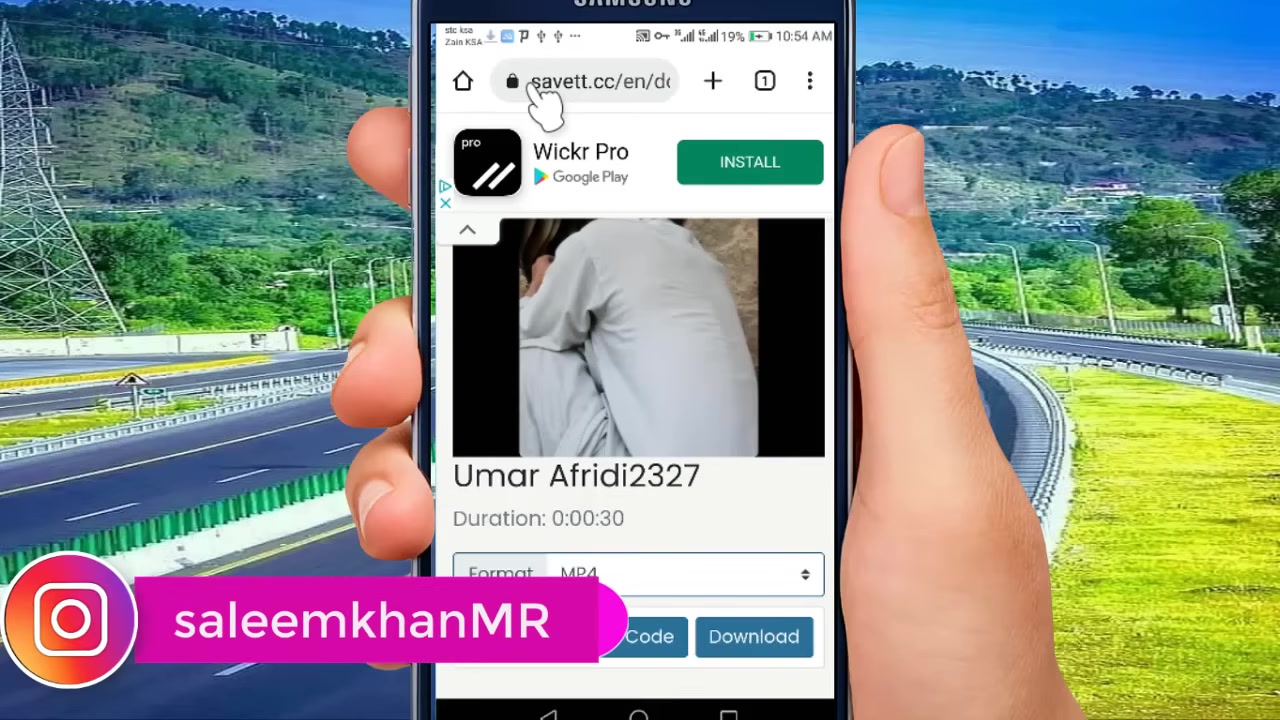
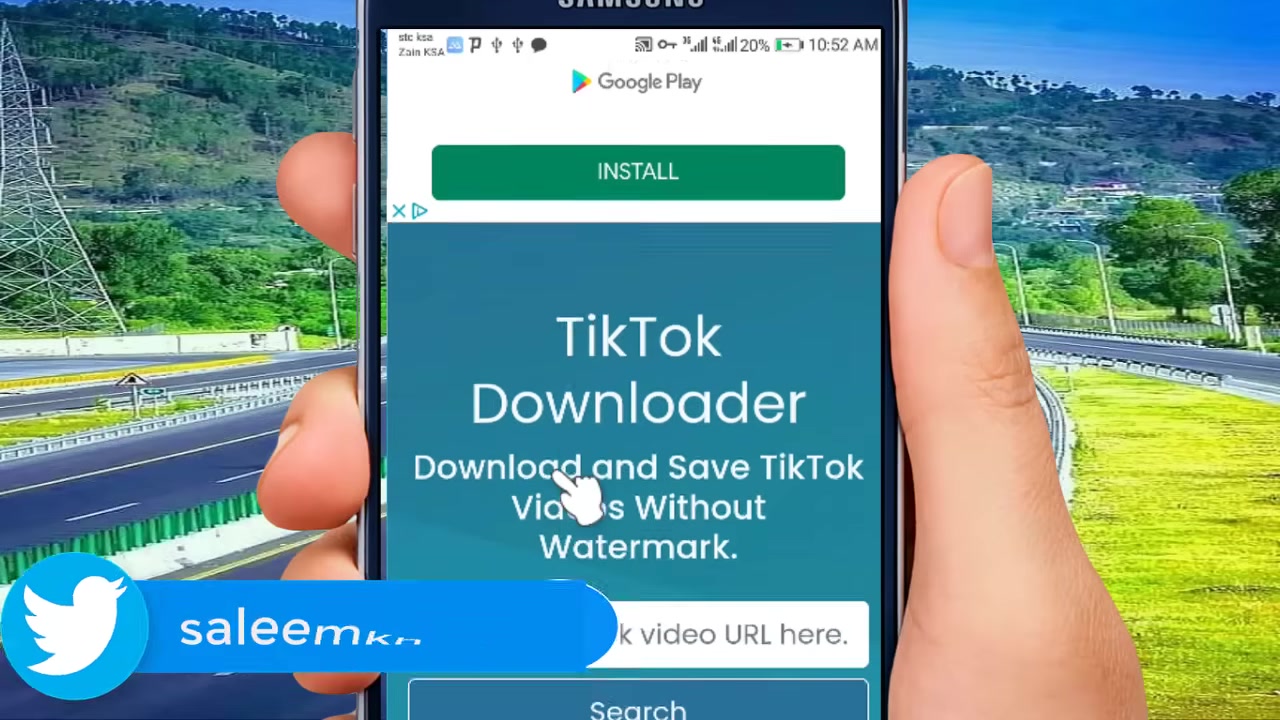
For videos where the download feature isn’t enabled, or if you prefer a watermark-free version (where ethically and legally permissible), dedicated downloader websites are a popular choice. These are often accessible from both mobile and desktop browsers.
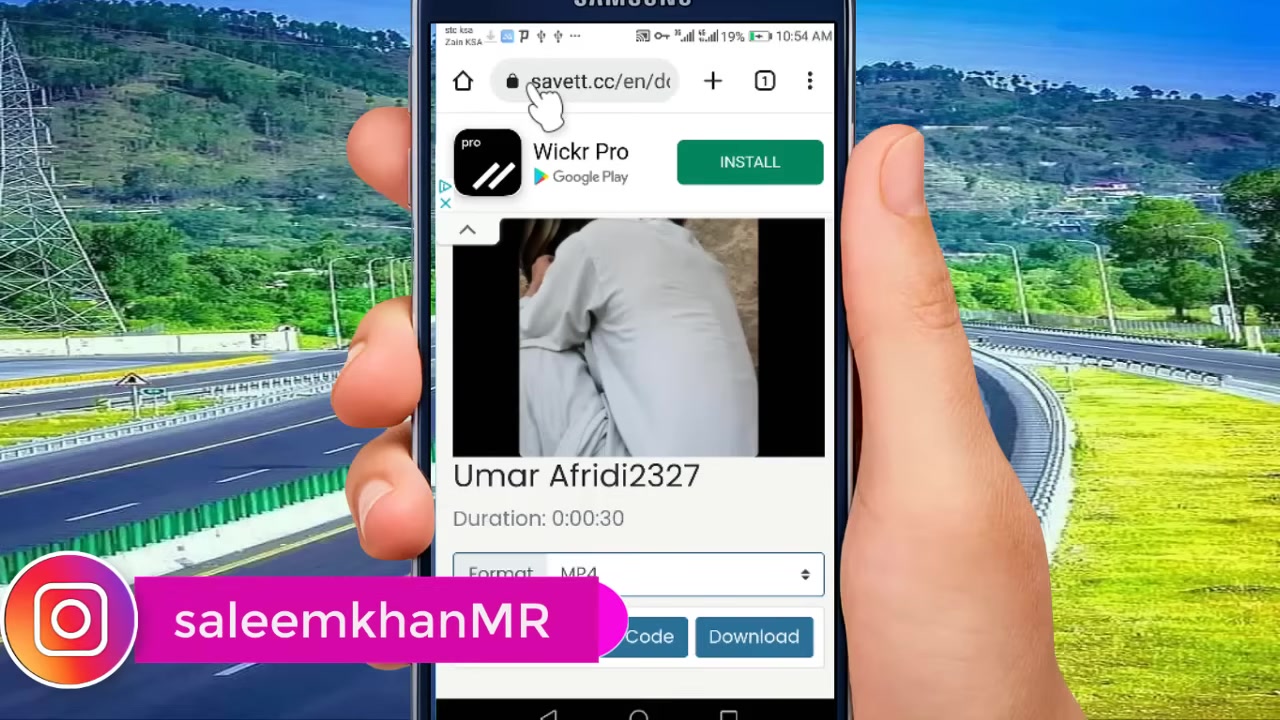
- Find the Video Link: Open the TikTok video, tap “Share,” and then select “Copy link.”
- Visit a Downloader Site: Open your web browser and go to a trusted video downloader service.
- Paste the Link: Paste the copied TikTok URL into the provided field on the website.
- Select Quality and Download: The site will parse the video and offer download options, often in different resolutions. Choose your preferred quality and click download.
When using this method, always ensure you are on a secure website (look for https://) to protect your device and data. For a comprehensive look at similar processes for other platforms, check out our detailed post on The Ultimate Guide to Downloading Instagram Videos to Your PC Without Any Software.
Method 3: Utilizing Screen Recording
If other methods are not viable, screen recording is a universal fallback. Both iOS and Android have built-in screen recording functions.
- Set Up Your Recorder: Access your device’s control center (iOS) or quick settings panel (Android) and enable screen recording. Ensure sound recording is on if you want audio.
- Play the Video: Navigate to the TikTok video, let it play fully, and ensure it’s unmuted.
- Stop Recording: Once the video ends, stop the screen recording from your control/notification panel.
- Edit (Optional): You can then trim the beginning and end of the recording in your phone’s gallery app to remove any extra footage.
While this method is straightforward, it may result in slightly lower quality and will include any on-screen notifications that pop up during recording.
Best Practices and Ethical Considerations
Downloading content comes with responsibility. It’s crucial to follow best practices to respect creators and stay within legal boundaries.
- Credit Creators: Always credit the original creator if you repurpose or share a downloaded video elsewhere. The watermark itself often does this, but additional credit is a good practice.
- Personal Use Only: Download videos for your own offline viewing, not for commercial redistribution or claiming as your own work.
- Check Creator Settings: Respect a creator’s choice if they have disabled downloads. This is often done to protect their original content.
- Stay Secure: Only use reputable third-party tools to avoid malware or phishing attempts. The principles of safe downloading apply across platforms, much like the guidelines we discuss in Your Complete Guide to Downloading Instagram Videos and Reels for Personal Use.
Troubleshooting Common Download Issues
Sometimes, downloads don’t go as planned. Here are solutions to frequent problems:
- “Save Video” Option Missing: This means the creator has disabled downloads. You will need to use the screen recording method or a third-party website that can bypass this (for personal use).
- Poor Video Quality: Ensure you are selecting the highest available resolution on the downloader website. Screen recordings are dependent on your device’s display resolution.
- Download Fails: Check your internet connection. If using a website, try a different browser or a alternative downloader service. Clear your browser cache if problems persist.
- Video Has No Sound: For direct downloads, this is rare. For screen recordings, double-check that your device was set to record internal audio, not just the microphone.
Conclusion
Downloading TikTok videos is a simple process once you know the right tools and techniques. The best method for you depends on your needs: use the official “Save video” feature for quick, watermarked saves; employ a trusted third-party website for more control and potential watermark removal; or fall back on screen recording as a universal solution. Whichever path you choose, remember to use downloaded content ethically, always giving credit to the talented creators who make the platform so engaging. By following this guide, you can build a personal library of your favorite TikToks to enjoy anytime, anywhere. For those who also frequent Instagram, many of these principles overlap, and you can explore more in our Your Complete Guide to Saving Instagram Content: Stories, Photos & Videos.