The Ultimate Guide to Downloading TikTok Videos Without the Watermark in 2025
In the fast-paced world of social media content creation, TikTok stands as a powerhouse. Whether you’re a creator looking to repurpose your best work, a marketer curating content for a campaign, or simply a user who wants to save a favorite video, downloading TikTok content is an essential skill. However, the platform’s native download feature often leaves an unwanted watermark, branding the video and limiting its professional use. This guide provides a comprehensive, step-by-step walkthrough for downloading TikTok videos in pristine, watermark-free quality, ensuring your saved content is ready for any purpose.
Understanding the TikTok Watermark Challenge
When you use the official “Save Video” function within the TikTok app, the platform embeds its dynamic watermark—typically the TikTok logo and the original creator’s username—directly onto the video. This serves to protect intellectual property and promote the app, but it can be a significant hindrance.
Why is the watermark a problem?
– Professional Repurposing: For content creators and businesses, a branded video looks unprofessional when shared on other platforms like Instagram Reels, YouTube Shorts, or a company website.
– Editing Limitations: The watermark can interfere with edits, cropping, or adding your own text and graphics.
– Aesthetic Quality: It simply detracts from the clean, visual appeal of the video content itself.
The good news is that several reliable methods exist to bypass this limitation. The process we will detail focuses on using a trusted third-party service or website, a method that is both effective and accessible for most users.
Step-by-Step: Downloading a TikTok Video Without the Watermark
This method is universally applicable, whether you’re on a mobile device or a desktop computer. The core principle involves copying the video’s link and using a dedicated download service.
-
Locate and Copy the Video Link
Open the TikTok app and find the video you wish to download. Tap the “Share” arrow icon on the right side of the screen. From the share menu, select the “Copy Link” option. This action copies the unique URL of that specific TikTok video to your device’s clipboard. -
Navigate to a Watermark-Free Downloader Website
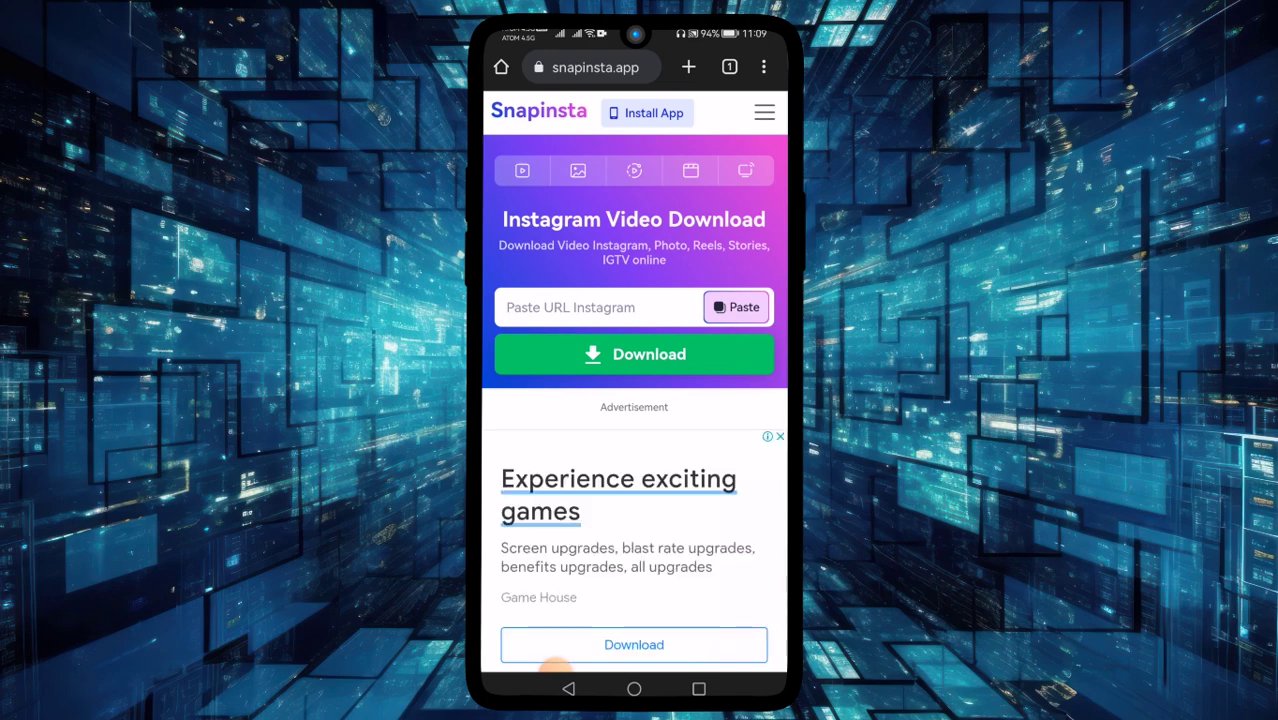
Open your preferred web browser (Chrome, Safari, Firefox, etc.). In the address bar, go to a reputable TikTok downloader website. We recommend using a service like ssstik.io or snaptik.app for their simplicity and reliability. Always ensure you are using a secure (HTTPS) and well-known site to protect your privacy. -
Paste the Link and Initiate the Download
On the downloader website, you will find a prominent text box or field. Tap or click inside it and paste the TikTok link you copied. Then, press the “Download” button. The website will process the link, fetching the video data from TikTok’s servers. -
Select Your Desired Video Quality
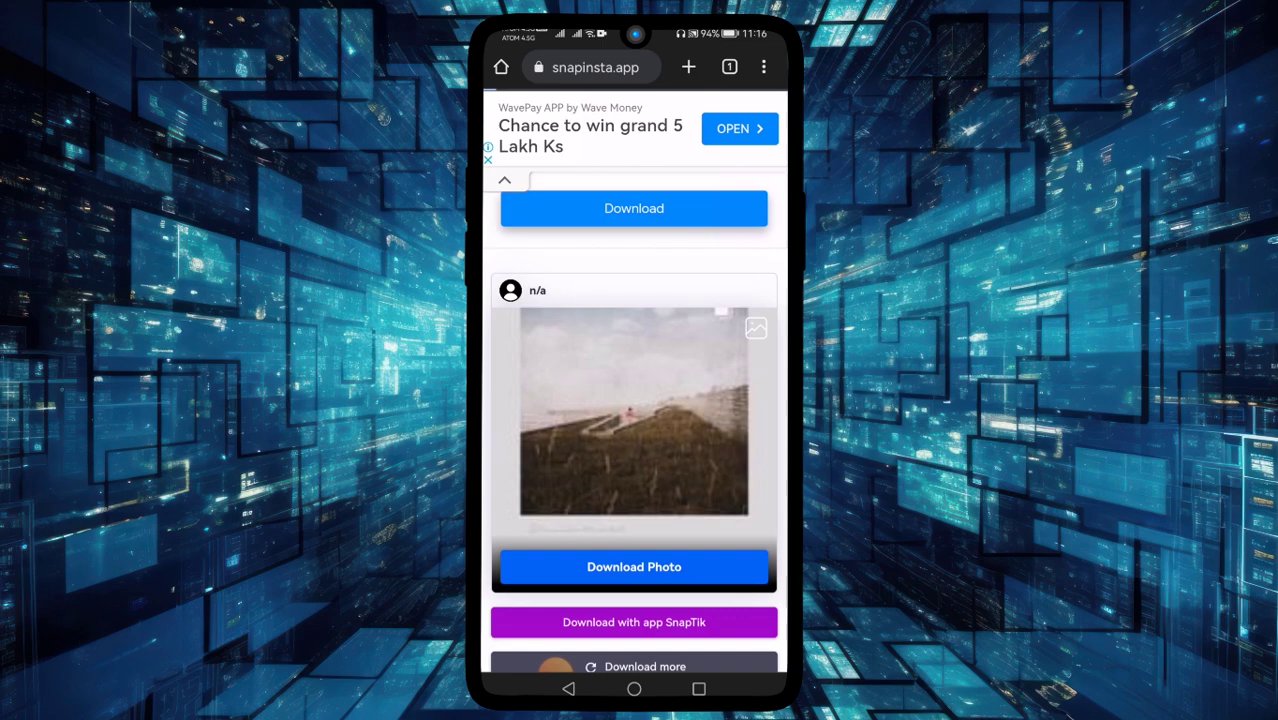
After processing, the site will present you with download options. You will typically see a choice between video-only and video-with-music formats, often in various resolutions like HD or standard definition. Crucially, these versions will be completely free of the TikTok watermark. Choose the option that best suits your needs and tap “Download” again. -
Save the Video to Your Device
Your browser will now download the video file directly to your device’s default download folder. On a phone, you may need to grant permission for the download. Once complete, you can find the video in your “Photos” or “Files” app, ready to view, edit, or share.
For those who frequently work on a computer, downloading directly to your PC offers even more flexibility for editing and organization. You can follow an almost identical process using the same websites on your desktop browser. For a deeper dive into PC-specific methods and workflows, check out our detailed resource on The Ultimate Guide to Downloading TikTok Videos on PC for Content Repurposing.
Best Practices and Important Considerations
While the process is straightforward, following best practices ensures a smooth, safe, and ethical experience.
- Respect Copyright and Creator Rights: This is paramount. Downloading a video does not grant you ownership of it. Always credit the original creator if you repost or use the content publicly, especially for commercial purposes. Use downloaded content for personal viewing, inspiration, or as permitted under fair use guidelines.
- Verify Website Safety: Stick to well-known, reputable downloader sites. Avoid clicking on pop-up ads or granting unnecessary permissions to unknown websites. A good ad-blocker can enhance safety during this process.
- Check Video Quality: Before using a downloaded video in a project, play it back to ensure the quality and audio are intact. Some processing methods can occasionally affect the final output.
- Keep Apps Updated: If you use a dedicated mobile app for downloading (as an alternative to websites), ensure it is kept updated from official app stores to maintain security and functionality.
Troubleshooting Common Issues
Even with a reliable method, you might occasionally encounter hiccups. Here’s how to solve the most common problems.
- “Link Invalid” or Processing Error: This usually means the TikTok video link you copied was incomplete or corrupted. Go back to the TikTok app, share the video again, and carefully re-copy the link. Ensure you are copying the “Copy Link” option, not just sharing to another app.
- Download Button Not Working: Try refreshing the downloader webpage. Clear your browser’s cache and cookies, or attempt the process in a different web browser (e.g., switch from Chrome to Firefox).
- Video Downloads Without Sound: Most downloader sites offer separate buttons for “Video” (with sound) and “Video (no watermark).” Ensure you are selecting the option that includes audio. The label is usually clear, such as “Download MP4 with sound.”
- Slow Download Speeds: This can be due to your internet connection or high traffic on the downloader site. Be patient, or try again later. Using a downloader site during off-peak hours can sometimes yield faster results.
For users who want to explore methods that don’t require any third-party websites or apps at all, we have a comprehensive guide that covers ingenious built-in techniques. Learn more in our article on The Ultimate Guide to Downloading TikTok Videos Without the Watermark (No App Needed).
Advanced Tips for Power Users and Creators
If you regularly download TikTok content, especially your own, for editing and cross-posting, these tips can streamline your workflow.
- Batch Downloading: While most free websites handle one video at a time, some premium tools or desktop software allow for batch downloading from a user’s profile or a playlist. This is incredibly efficient for content repurposing.
- Incorporate into Your Editing Pipeline: Save downloaded videos to a specific cloud folder (like Google Drive or Dropbox) that syncs with your video editing software. This creates a seamless pipeline from TikTok to your final edited project.
- Archive Your Own Content: Regularly download your own high-performing TikToks. This creates a personal archive protected from account issues or platform changes. For creators looking to back up their entire channel, our guide on The Ultimate Guide to Downloading an Entire TikTok Channel in 2025 offers a systematic approach.
Conclusion
Downloading TikTok videos without the intrusive watermark is a simple yet powerful capability for anyone engaged with digital content. By following the clear steps of copying the video link and using a trusted online downloader, you can access clean, high-quality video files in minutes. Remember to always prioritize ethical use by respecting creators’ rights and crediting original work. Whether for personal collection, professional repurposing, or content archiving, mastering this skill unlocks the full potential of TikTok’s vast creative library, allowing you to integrate its dynamic content seamlessly into your own digital ecosystem.