The Ultimate Guide to Downloading YouTube Videos Legally with YouTube Premium

Ever wished you could save your favorite YouTube videos to watch later on a plane, during your commute, or just when your internet is spotty? The good news is, there’s a completely legal and official way to do it. This guide will walk you through the surprisingly robust value of YouTube Premium, the service that unlocks this feature, and show you exactly how to download videos to your laptop, desktop, iPhone, or Android phone.
While the core feature of offline viewing is a major draw, YouTube Premium bundles it with a suite of other benefits designed to enhance your entire viewing experience. We’ll break down everything you get for your subscription, from an ad-free environment to exclusive music access, and help you decide if it’s the right investment for your digital lifestyle. Let’s dive into the official, hassle-free method for building your personal offline video library.

What Exactly Do You Get with YouTube Premium?
Before we get to the download button, it’s crucial to understand the full package. YouTube Premium is more than just a key to offline videos; it’s a comprehensive upgrade to your YouTube experience. The service addresses common pain points for heavy users and adds several layers of convenience.
The most immediate and noticeable benefit is the complete removal of ads. This means:
– No pre-roll ads before videos start.
– No mid-roll ads interrupting your content.
– No display ads cluttering the sides of the video player.
For frequent viewers, this alone can save a significant amount of time and frustration, creating a seamless, immersive viewing session. Beyond ads, Premium unlocks a large collection of free movies and TV shows on YouTube, all watchable without any commercial interruptions.
Importantly, going ad-free doesn’t hurt your favorite creators. As a Premium member, when you watch a video, the creator receives a portion of your monthly subscription fee. This provides a direct and valuable revenue stream, incentivizing them to continue producing the content you love.
Another standout feature, especially for mobile users, is background play. This allows the audio of a video or music track to continue playing even when you switch to another app or turn your phone’s screen off. It’s perfect for listening to podcasts, music videos, or long-form talks without needing to keep the YouTube app open and active.
Breaking Down the Cost: Is the Value There?
The primary catch, as with most premium services, is the cost. It requires a financial commitment, but the value proposition becomes clear when you examine what’s included.
The standard monthly plan in the United States is approximately $12 per month. You can reduce this cost by opting for an annual plan, which averages out to about $10 per month ($120 paid upfront). For those looking to maximize savings, YouTube offers a Family Plan for $18 per month, which can be shared with up to five other people (six total). If fully utilized, this drops the cost to a mere $3 per person per month.
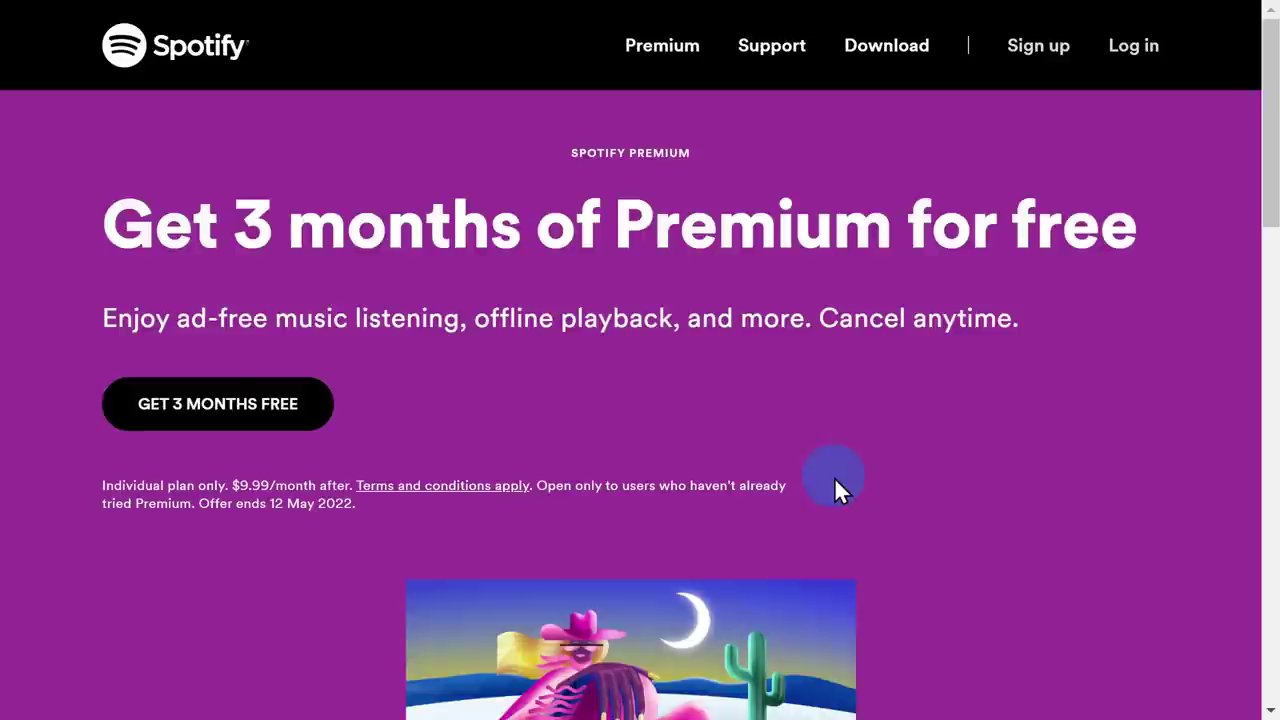
It’s essential to compare this to other entertainment subscriptions. A service like Spotify offers similar pricing for unlimited, ad-free music. However, YouTube Premium includes that same core music functionality through YouTube Music Premium plus the ad-free YouTube video experience and the coveted download feature. For anyone considering a music subscription, YouTube Premium presents a compelling two-in-one alternative.
A critical tip for signing up: Always subscribe through the YouTube website on a computer. If you initiate the subscription through your mobile device’s app store (like on an iPhone), the price will be higher because the platform takes a cut of the fee. Starting on the web ensures you get the best possible rate.
Finally, YouTube encourages you to try before you buy. You can start a one-month free trial directly from the membership page. Savvy users might even notice that if you click away from the sign-up prompt, YouTube sometimes offers a discount, such as 30% off your first paid month, to sweeten the deal.
Your Step-by-Step Guide to Downloading Videos
Now for the main event: how to actually download videos for offline viewing. The process is beautifully simple and consistent across platforms once you have an active YouTube Premium subscription.
On Desktop (Laptop/PC):
1. Navigate to any video you wish to save offline.
2. Look below the video player for the new “Download” button (it appears alongside Like, Dislike, and Share).
3. Click the button. The video will begin downloading to your device.
4. To access your downloaded library, click the menu icon (☰) in the top-left corner of YouTube and select “Downloads.”
5. Here, you can view, play, or manage all your saved content. Click the ellipsis (…) next to a video to delete it if you no longer need it offline.
On Mobile (iPhone/Android):
1. Open the YouTube app and find the video you want to download.
2. Tap on the video to open it, then look for the download icon (a downward arrow) below the player, usually next to the Save button.
3. Tap the icon to start the download.
4. To find your downloads, go to the “Library” tab in the bottom-right corner of the app. You will see a new “Downloads” section.
5. Tap into this section to see all your offline videos, ready to play anytime.
A fantastic automated feature on mobile is YouTube’s “Smart Downloads.” The app can automatically download up to 20 recommended videos for you on a weekly basis, ensuring you always have fresh content available offline without any manual effort—perfect for regular commuters or travelers.
Important Management Notes:
– Download Settings: On desktop, within the Downloads section, you can click “Download settings” to choose your preferred video quality. The maximum available for download is 1080p (Full HD); 4K quality is not currently an option for offline saves.
– Content Expiry: Downloaded videos remain accessible for 30 days. To keep them active, you must reconnect your device to the internet at least once within that period to refresh the license. After 30 days offline, the videos will expire and need to be re-downloaded.
– Removing Content: You can delete downloads at any time to free up space on your device via the ellipsis (…) menu on either desktop or mobile.
Beyond Downloads: Exploring YouTube Music Premium
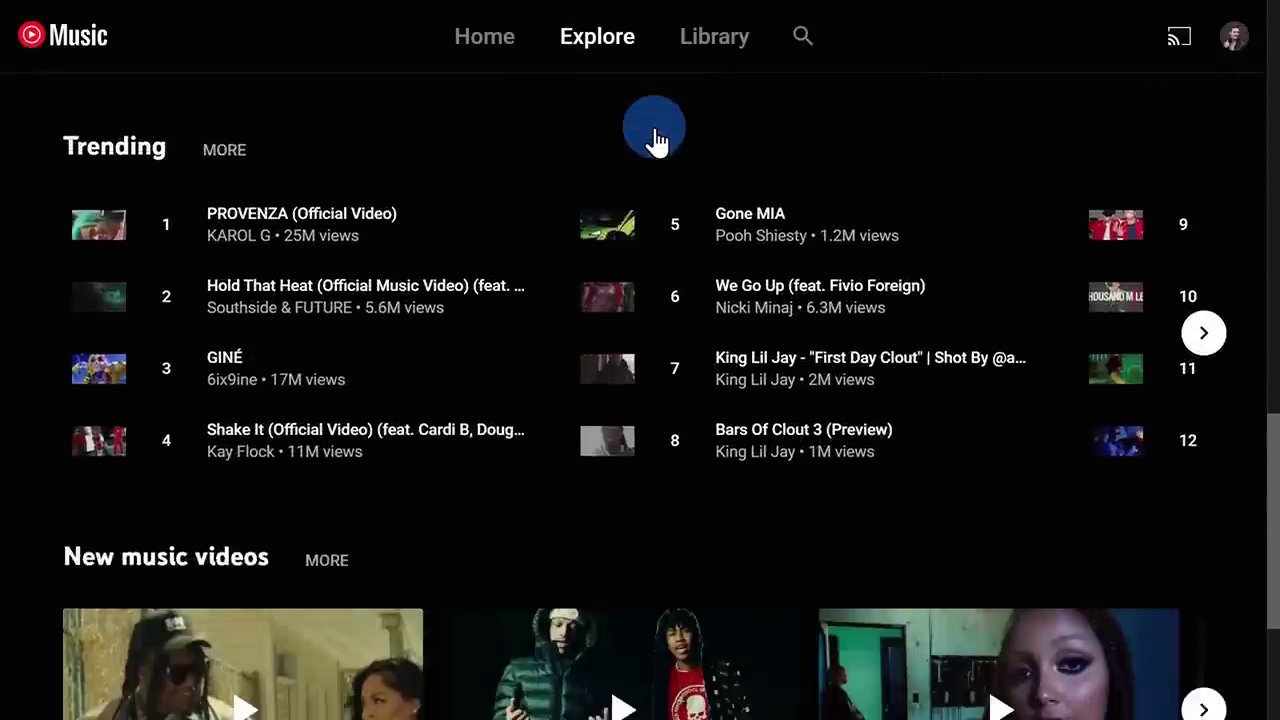
A significant part of the Premium bundle that shouldn’t be overlooked is YouTube Music Premium. This is YouTube’s dedicated music streaming service, comparable to Spotify or Apple Music, and it’s included at no extra charge.
With YouTube Music Premium, you get:
– Access to a massive, official catalog of songs, albums, and playlists.
– Completely ad-free listening.
– The ability to download music for offline playback.
– Background play, so music continues when your screen is off.
– It integrates seamlessly with the vast universe of user-uploaded remixes, live versions, and covers found only on YouTube.
You can access it via music.youtube.com on desktop or by downloading the standalone YouTube Music app on your mobile device. For music lovers, this inclusion transforms YouTube Premium from a video-centric service into a comprehensive entertainment package, potentially replacing a separate music subscription. For creators thinking about diversifying their content, understanding how platforms bundle services is key. Just as YouTube combines video and music, mastering short-form video on platforms like TikTok requires a specific strategy, as outlined in our guide, TikTok is Back: Your Complete 2025 Guide to Navigating, Creating, and Mastering the App.
Conclusion: Is YouTube Premium Worth It For You?
Downloading YouTube videos legally and effortlessly is undoubtedly a powerful feature, but it’s just one piece of the YouTube Premium puzzle. The service is best viewed as a holistic upgrade for dedicated YouTube users.
Consider YouTube Premium if:
– You consume a lot of YouTube content and are frustrated by frequent ads.
– You frequently find yourself in situations with poor or no internet (commuting, flying, traveling).
– You want to support creators directly through your subscription fee.
– You value the convenience of background play on your phone.
– You are in the market for a music streaming service and would benefit from a combined video/music package.
The ability to legally build a personal library of offline videos across all your devices provides unparalleled convenience and peace of mind. When you factor in the ad-free experience, background play, and the included YouTube Music subscription, the monthly fee can present substantial value.
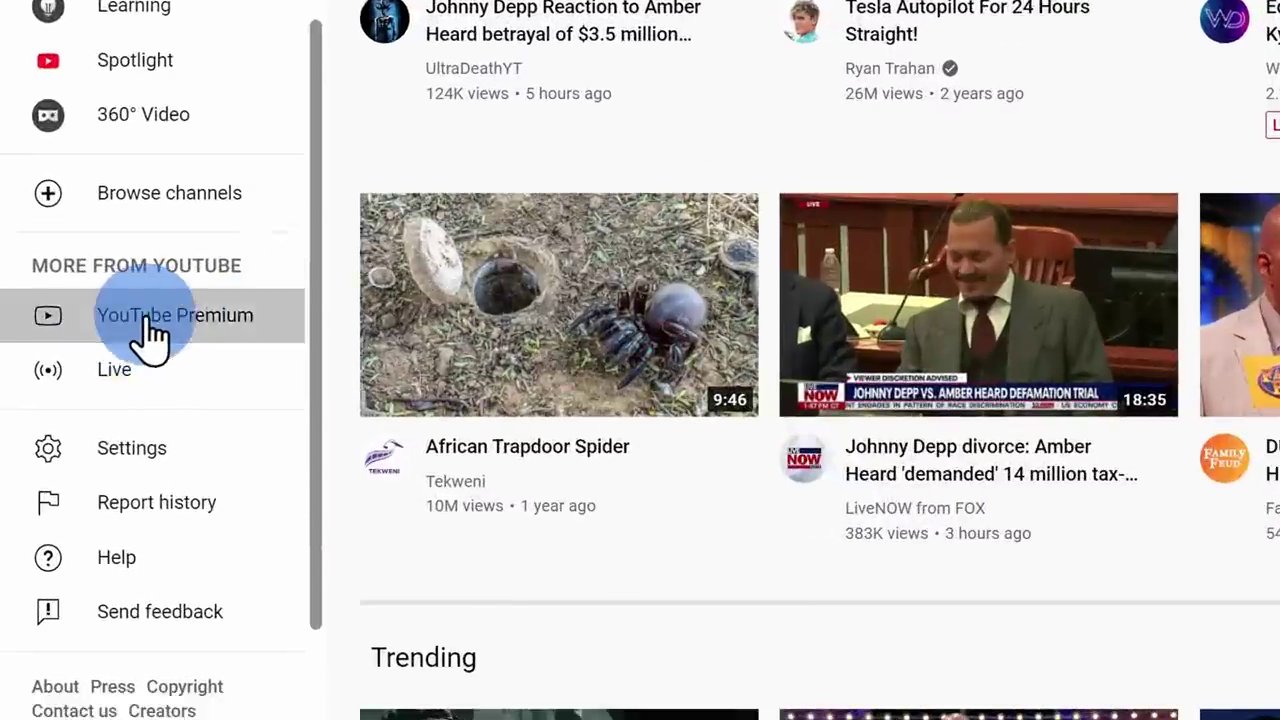
Ready to try it? Head to youtube.com on your computer, ensure you’re logged into your Google account, and look for “YouTube Premium” in the left-hand menu to start your free trial and explore the download feature for yourself. Remember, the world of digital content is always evolving, and knowing how to efficiently manage and access it—whether through downloading or creating—is a valuable skill. For instance, repurposing content across platforms is a powerful growth tactic, similar to the strategies discussed in The Ultimate Guide to Monetizing TikTok by Repurposing Trending Content.