The Ultimate Guide to Saving Instagram Reels on Your iPhone for Free
Ever found an amazing Instagram Reel you just had to save, only to realize Instagram doesn’t let you download it directly to your camera roll? You’re not alone. Thankfully, there’s a remarkably simple and completely free solution that works directly on your iPhone. This guide will walk you through the entire process, from finding the right tool to saving your favorite videos in just a few taps, all without compromising on quality.
Understanding the Instagram Reel Download Challenge
Instagram is designed as a social platform for sharing and viewing content within its own ecosystem. While you can save your own posts and Reels to a private “Saved” collection, this feature only works within the app. The platform intentionally does not provide a native “Save to Camera Roll” option for public content from other creators. This is to protect copyright and encourage engagement within Instagram. However, for personal viewing, creating compilations, or saving tutorials, having a local copy on your device is incredibly useful. The method we’re exploring today bypasses this limitation using a lightweight, dedicated app that acts as a bridge.
The Essential Tool: Introducing the Black Hole App
The entire process hinges on a single, free application available on the App Store. According to the tutorial, this app is the key to unlocking easy Reel downloads.
- App Name: The application is called Black Hole.
- Size & Impact: One of its biggest advantages is its minimal footprint. The app is reported to be less than 20 MB, specifically around 16 megabytes. This means it won’t take up significant space on your iPhone.
- Availability: You can find it by simply searching for “Black Hole” in the official iOS App Store.
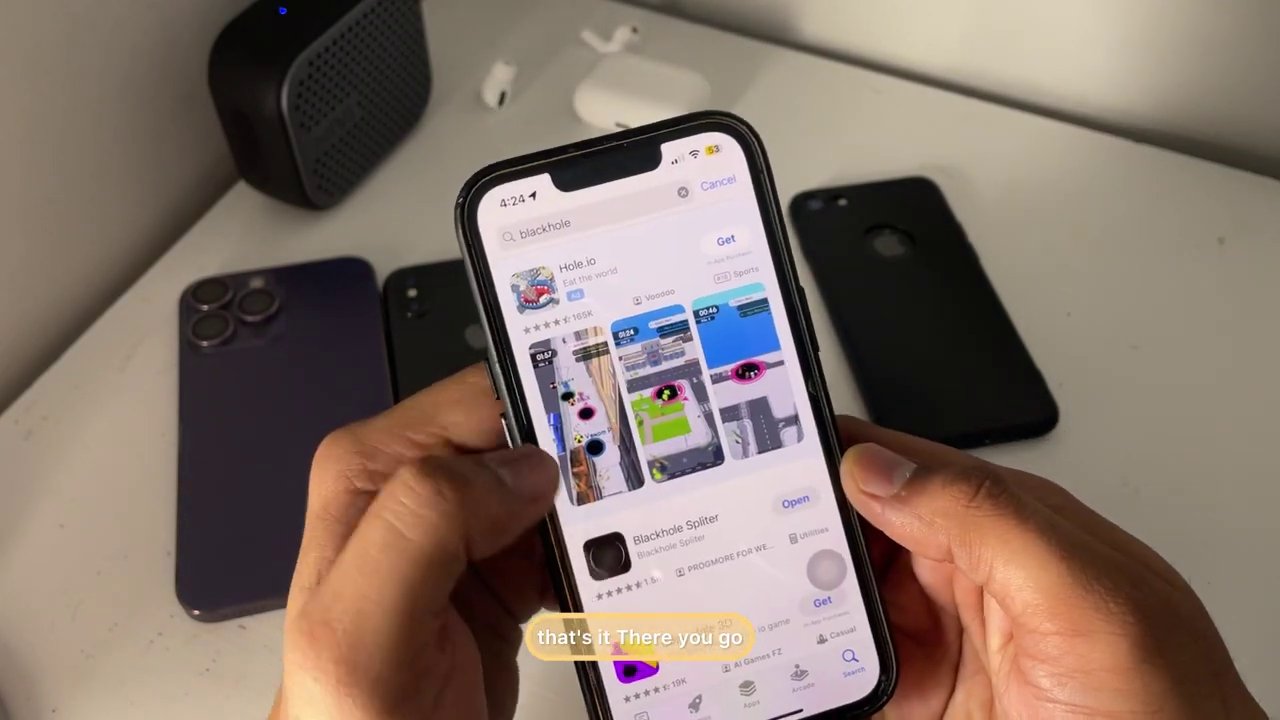
The first step is to download and install this app. A crucial tip from the guide is to not open the app immediately after installation. Instead, leave it on your home screen and switch over to Instagram to find the content you want to save.
Step-by-Step: How to Download Any Instagram Reel
This process is straightforward and can be completed in under a minute once you’re familiar with the steps. Follow this numbered guide carefully.
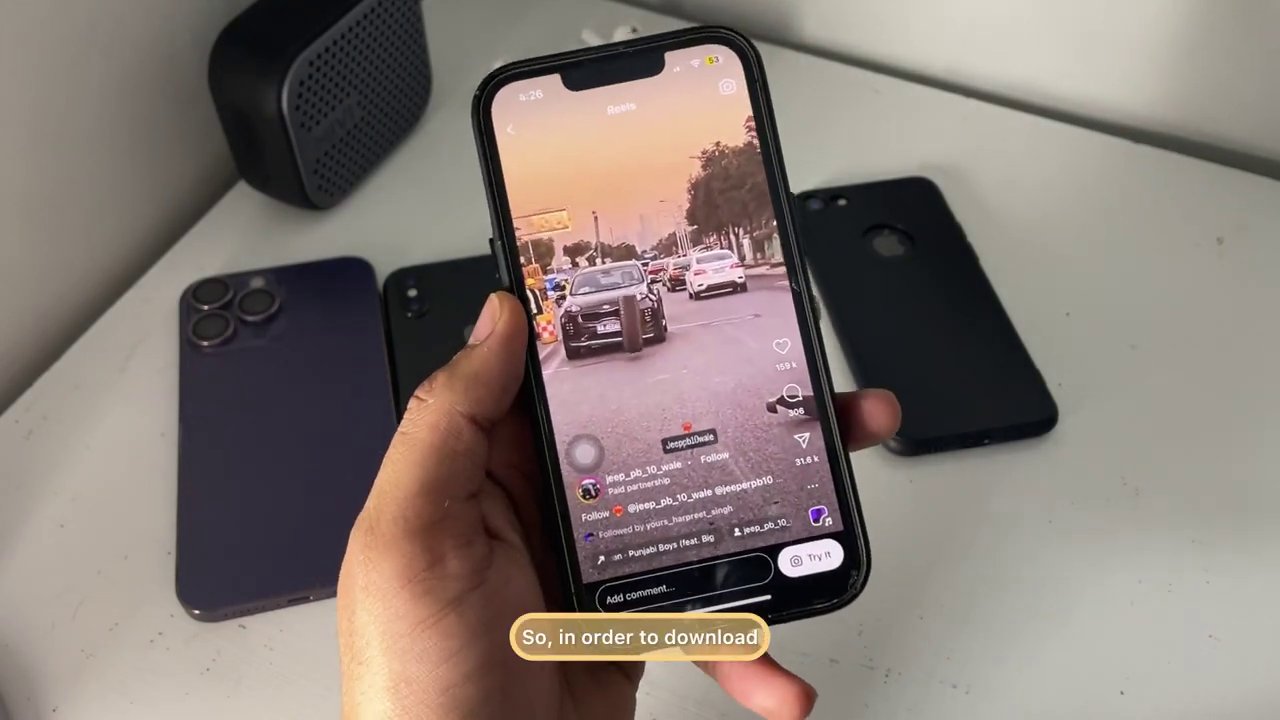
- Find and Copy the Reel’s Link: Open your Instagram app and navigate to the Reel you wish to download. Tap the Share button (the paper airplane icon) below the video. From the menu that appears, select “Copy Link.” This action copies the unique URL of that specific Reel to your iPhone’s clipboard.
- Open the Black Hole App: Now, navigate to your home screen and open the Black Hole app you installed earlier.
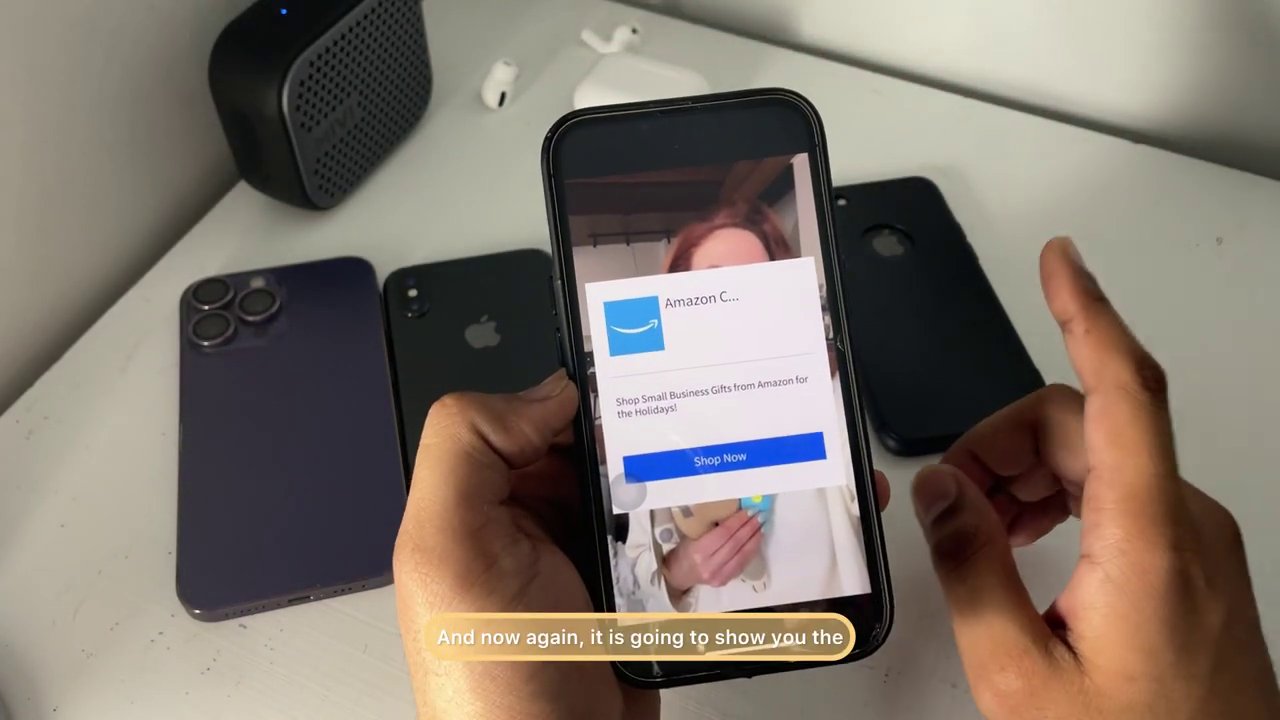
- Paste and Process the Link: Inside the Black Hole app, you will see a prominent black button. Tapping this button will typically paste the link you just copied and begin processing it. The app will then display a short, 5-second advertisement. You simply need to wait for this ad to complete. This is how the app remains free to use.
- Save the Video: After the ad, a cross or close icon will appear. Dismiss it. The app will then present you with the downloaded video file and a Share button. Tapping this share button will bring up the standard iOS share sheet. From here, you can select “Save Video” to send it directly to your iPhone’s Photos app.
Verifying the Download and Best Practices
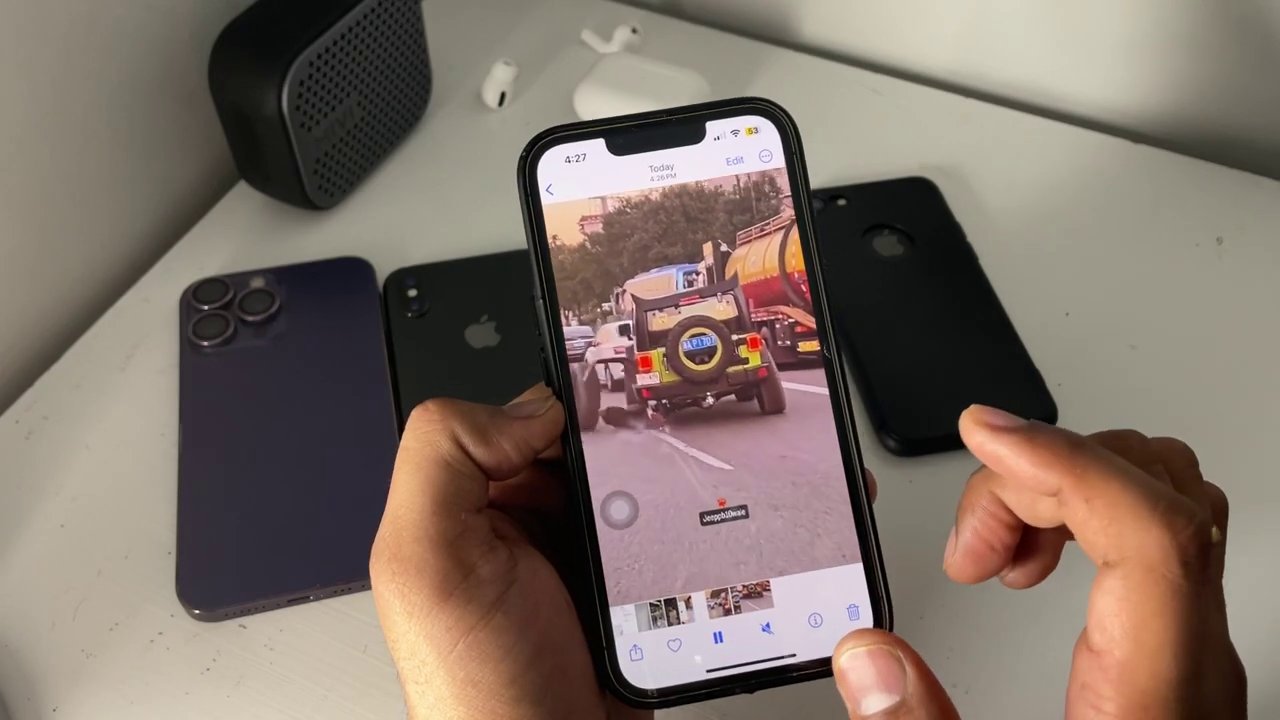
Once you’ve tapped “Save Video,” the process is complete. To verify, simply open your iPhone’s native Photos application. You should find the downloaded Instagram Reel in your “Recents” album, ready to be viewed, edited, or shared offline.
It’s important to use this tool responsibly. Always respect content creators’ rights:
– Download Reels for personal use, offline viewing, or inspiration.
– Never repost downloaded content as your own without explicit permission.
– This method is ideal for saving cooking tutorials, workout routines, dance steps, or funny clips you want to keep.
Conclusion: Your Reels, On Your Device
Downloading Instagram Reels to your iPhone doesn’t require complicated software or paid subscriptions. As demonstrated, by using the free Black Hole app, you can seamlessly copy a link from Instagram and save the video directly to your Photos app in just a few steps. The entire process is not only free but also surprisingly quick, with the only minor interruption being a brief advertisement. Remember to use this capability respectfully and enjoy having your favorite fleeting Instagram moments saved securely on your own device for whenever you want them.