Unlock Your Content: A Simple Guide to Downloading Watermark-Free Videos from Social Media
Have you ever created a fantastic video on Instagram or TikTok, complete with all the cool effects and filters, only to find you can’t easily save a clean copy to your device? What if you want to share that same reel on YouTube Shorts or another platform without the app’s branding? This common frustration has a surprisingly simple solution. In this guide, we’ll walk through a quick, easy, and free method to download your own social media videos without any watermarks, preserving all your hard work and creative edits for use anywhere you like.
Why Download Your Own Videos Without a Watermark?
Creators often use different platforms for different purposes. You might love the robust editing suite and filter library on Instagram Reels but want to cross-post your final masterpiece to TikTok or YouTube Shorts to maximize your reach. The problem? When you download a video directly from apps like Instagram or TikTok, it often comes stamped with the platform’s watermark or logo in the corner.
This isn’t just an aesthetic issue; it can be a functional one. For instance, if you upload a video to YouTube Shorts that contains a visible TikTok or Instagram watermark, YouTube’s system may flag it, making the video ineligible for monetization. The same principle applies across platforms. Downloading a clean, watermark-free version of your own content gives you full control and flexibility. You own your creativity, and this process ensures you can repurpose it freely without limitations or potential penalties from algorithm detection.
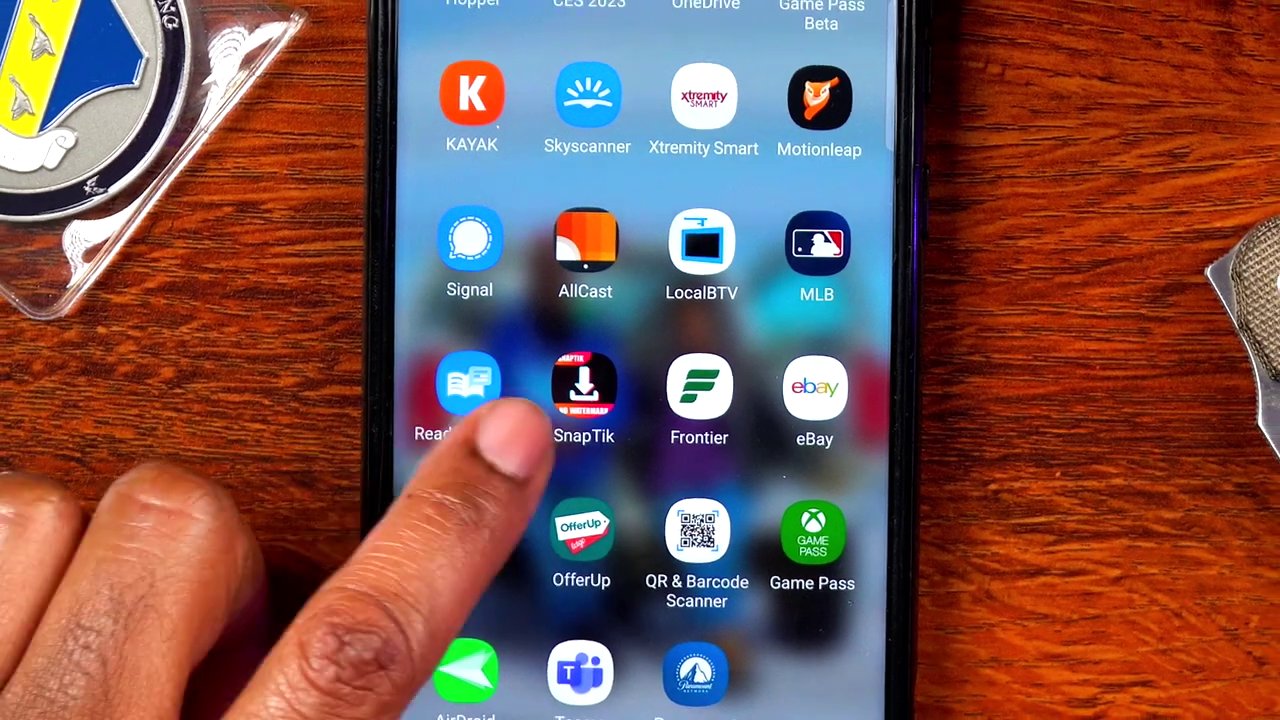
The Tool You’ll Need: SnapTick
The solution demonstrated involves a free, widely available mobile application called SnapTick. This app serves as a bridge, allowing you to input a link to your social media video and receive a downloadable, watermark-free file in return. It’s designed to work with several major platforms, including Instagram, TikTok, Facebook, and Twitter (X). The best part? It’s completely free to use, supported by brief ads you can quickly close. You can find SnapTick in your device’s respective app store, whether you’re on iOS or Android.
Step-by-Step Guide to a Watermark-Free Download
The process is straightforward and can be completed in just a few minutes. Here’s a detailed breakdown of each step.
Step 1: Copy the Link to Your Video
First, you need to locate the video you want to download from within the original app, like Instagram.
1. Open the app and navigate to your profile or the specific post.
2. On the video post, tap the three dots (⋯) in the upper-right corner to open the menu.
3. From the menu options, select “Copy link” or its equivalent. This action copies the video’s unique URL to your device’s clipboard.
Step 2: Use SnapTick to Process the Link
Next, you’ll switch to the SnapTick app to handle the download.
1. Open the SnapTick app on your device. Upon launching, you may see a brief advertisement; simply wait for it to finish or tap the “X” to close it.
2. The app’s main interface is simple. You’ll see icons or labels for supported platforms like TikTok, Instagram, Facebook, and Twitter. Since you’ve already copied the link, the app will often automatically detect it.
3. A button labeled “Download” or “Watch & Download” will appear. Tap it to begin processing. The app will then play the video, often with an ad overlay. You don’t need to watch the video itself; just wait for the process to complete and the ad to finish.
Step 3: Save and Verify Your Video
Once processing is complete, your video is ready.
1. After the ad concludes, the app will confirm the download was successful.
2. Exit the SnapTick app and go to your device’s native photo gallery or video library.
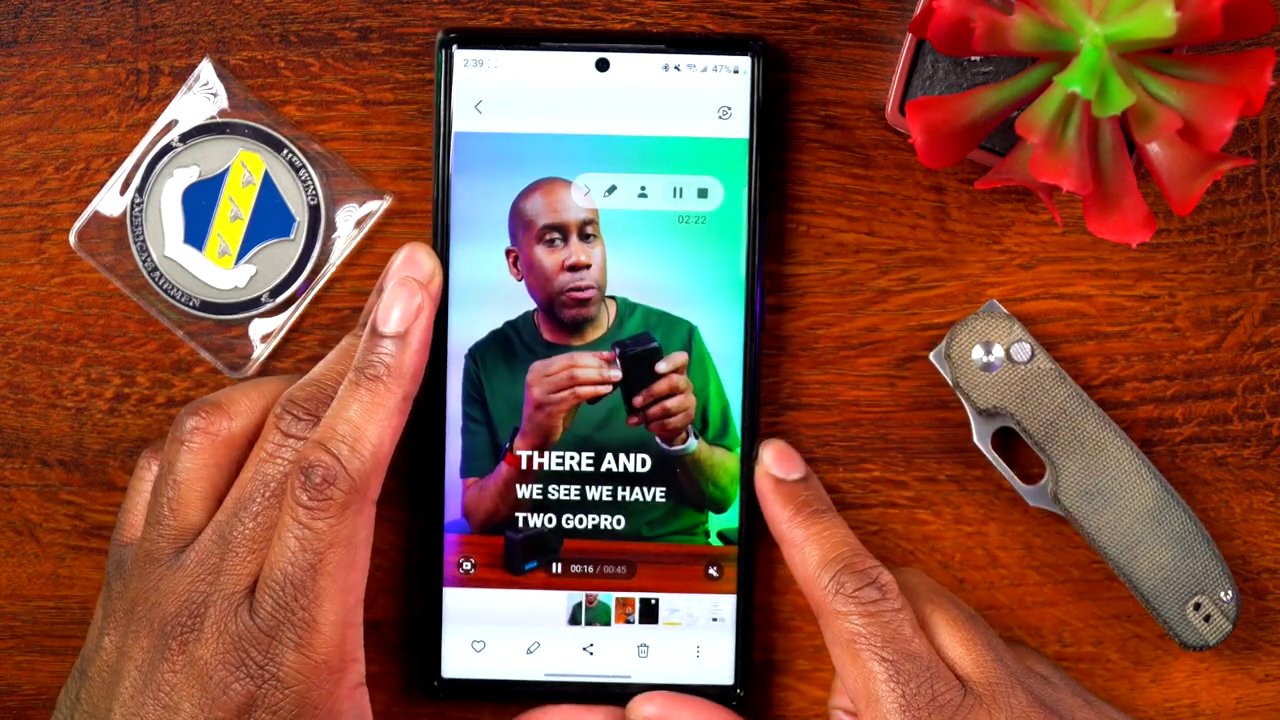
3. Locate the newly downloaded video. Play it to verify two critical things:
– All your original effects, text, filters, and audio are intact.
– There is no platform watermark in any corner of the video.
Important Considerations and Best Practices
While this tool is powerful and easy to use, it’s essential to approach it with the right mindset and respect for content ownership.
- Primary Use for Your Content: This method is ideally used for downloading your own original videos. This ensures you are respecting copyright and intellectual property laws. Repurposing your own content across platforms is a standard and smart content strategy.
- Cross-Platform Sharing Made Easy: Now that you have a clean file, you can upload it anywhere. Loved the filters on your Instagram Reel? Now it can live on TikTok. Created a great TikTok? It’s ready for YouTube Shorts. This workflow significantly streamlines a multi-platform content strategy.
- Exploring Other Tools: The digital toolscape is always evolving. While SnapTick is one effective solution, there are other methods and applications available. For instance, if you’re interested in the technical side or want more control, you might explore resources on how to Build Your Own Free Video Downloader App. Similarly, for more platform-specific techniques, comprehensive guides like The Ultimate Guide to Downloading TikTok Videos Without the Watermark in 2025 can offer deeper insights.
Conclusion: Take Full Control of Your Creativity
In summary, liberating your social media videos from watermarks is a simple three-step process: copy the link, process it through a free app like SnapTick, and save the clean file to your device. This empowers you as a creator, removing barriers to cross-posting and protecting your content’s eligibility for features like monetization on platforms like YouTube.
The ability to seamlessly move your creative work between Instagram, TikTok, YouTube, and others allows you to leverage the unique strengths of each platform—using Instagram’s excellent editing tools or TikTok’s trending sounds—while distributing the final product everywhere your audience lives. It’s a small technical step that makes a significant impact on your content strategy’s efficiency and reach. For those looking to expand their knowledge on sourcing and managing content, understanding The Hidden Language of Digital Content can provide valuable context on how platforms operate.
So, go ahead—create, download, and share your work on your own terms. Your creativity shouldn’t be locked into a single app, and now it doesn’t have to be.